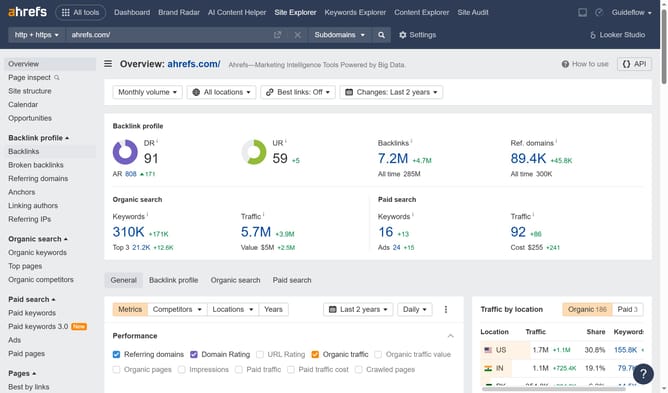
How to download paid page performance data from Ahrefs
Here is how to download paid page performance data from ahrefs
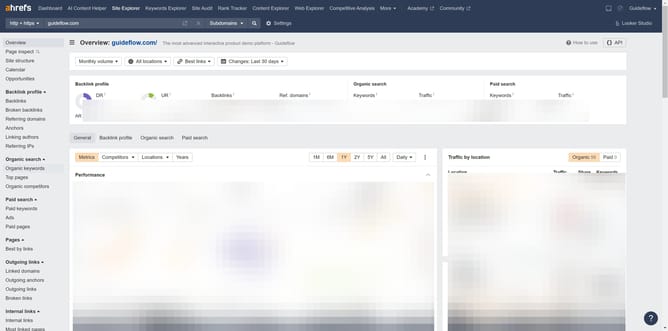
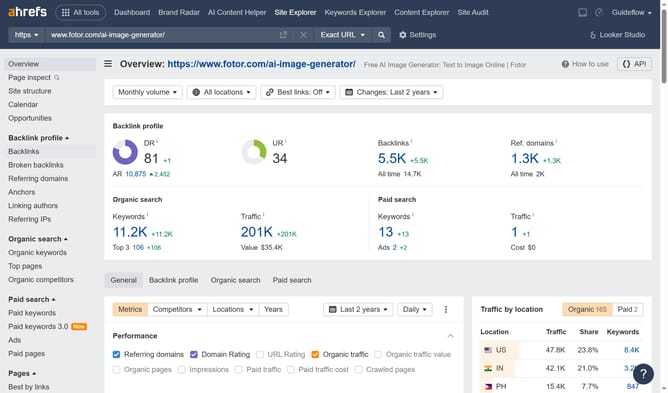
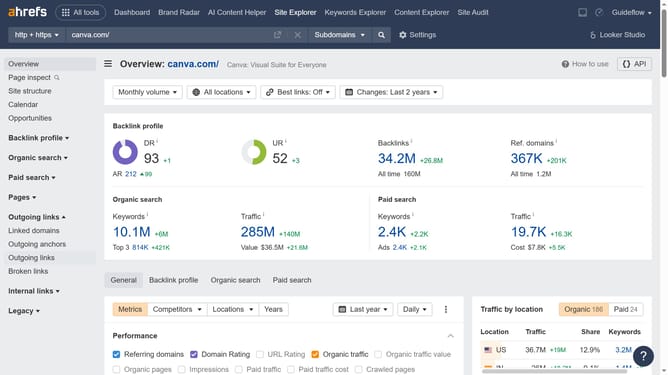
- In the left sidebar menu, click on the "Paid pages" option under the Paid search section
- In the top right corner of the paid pages report, click on the "Export" button
- In the export dialog window, click on the "Export" button after selecting CSV format
Why should you download paid page performance data from Ahrefs
Ahrefs is a powerful SEO tool designed to help businesses analyze their website's search performance and competitive landscape.
Downloading paid page performance data from Ahrefs allows marketers to assess the effectiveness of their paid advertising strategies. By accessing detailed insights, users can pinpoint strong-performing pages and areas needing improvement. This empowers businesses to make informed decisions on optimizing their campaigns.
Furthermore, having this data at one's fingertips enables efficient resource allocation, maximizing an ad's ROI. Overall, Ahrefs’ paid page performance feature is invaluable for crafting data-driven marketing strategies.
Last update