Ahrefs
Ahrefs is an SEO toolset for backlink analysis, keyword research, and competitive insights.
Website
Industry
SEO
Share this article:

How to track new inbound links in Ahrefs

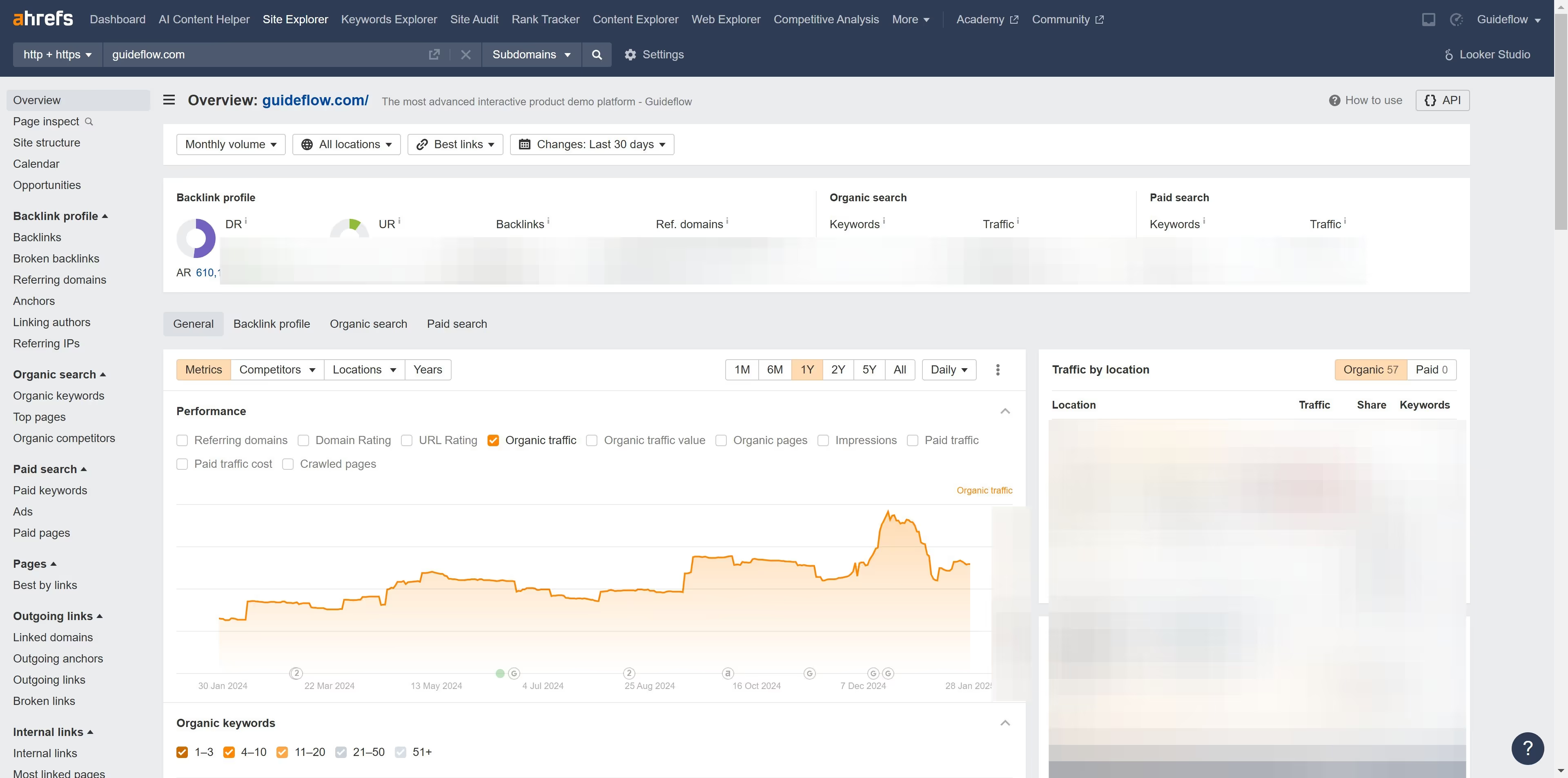
Here is how to track new inbound links in ahrefs

  1. First click on "Site Explorer" in the top navigation menu
  2. In the search bar, click the domain input field to enter a domain
  3. Click the "Search" button (orange button) to analyze the domain
  4. In the left sidebar, click on "Backlinks" under the Backlink profile section
  5. Click on "New" filter in the backlinks view to see newly discovered backlinks

Create your own interactive guide with Guideflow

Why should you track new inbound links in Ahrefs

Ahrefs is a comprehensive SEO tool designed for optimizing website visibility.

One of its standout features is the ability to track new inbound links. Identifying these links quickly allows users to understand the evolving landscape of their website's online presence.

By providing insights into where the new links are coming from, this feature helps in analyzing connection quality, opening avenues to enhance site trust and authority.

Overall, keeping tabs on new links aids in crafting smarter link-building strategies and maintaining a competitive edge in the digital world.


Last update
June 16, 2026
Cursor MariaA cursor points to a button labeled "James."

Create your first demo in less than 30 seconds.