How to check keyword difficulty in Ahrefs
Here is how to check keyword difficulty in ahrefs
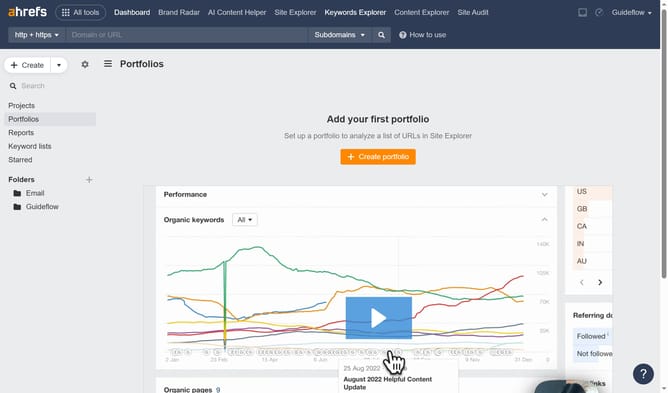
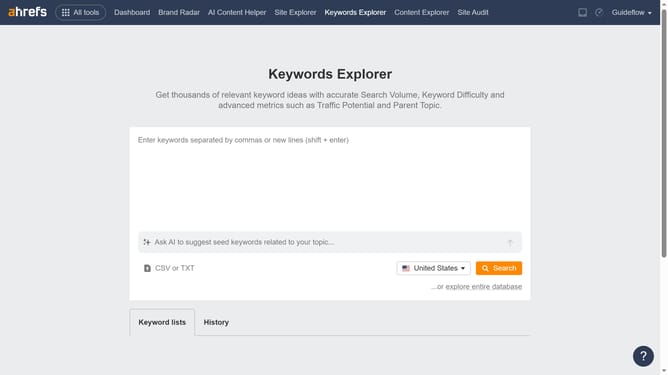
- First click on the "Keywords Explorer" tab in the top navigation menu
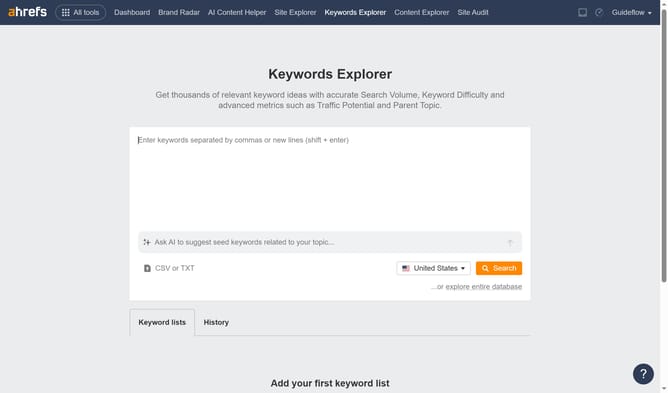
- Click inside the keywords input text box to start entering your search terms
- Click on the orange "Search" button located on the right side of the search interface
- Here you will see the keyword difficulty
Why should you check keyword difficulty in Ahrefs
Ahrefs is a powerful SEO toolset designed to enhance your digital visibility by providing insights into keyword strategies.
One of its standout features is the ability to check keyword difficulty, which is essential for optimizing your content and search engine rankings.
Understanding keyword difficulty allows you to gauge the competitive landscape for specific keywords and target those most likely to deliver traffic with minimal effort.
This feature assists in prioritizing efforts on keywords that can significantly impact and boost your site's performance and visibility.
Last update