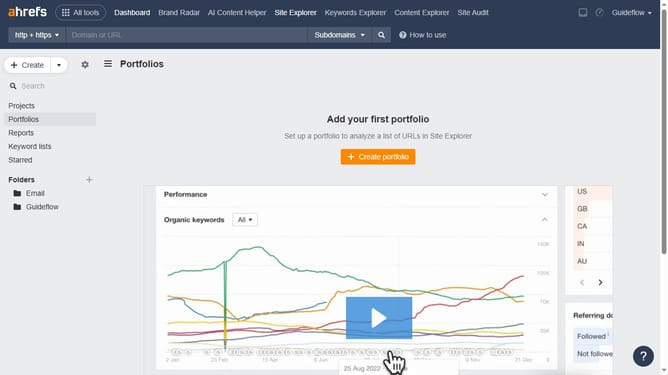
How to track paid traffic cost trends in Ahrefs
Here is how to track paid traffic cost trends in ahrefs
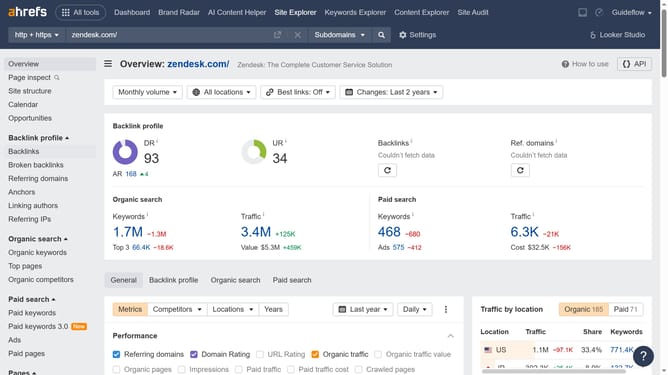
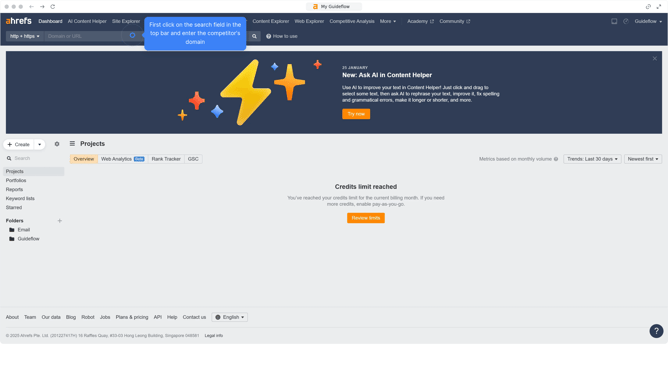
- First click on "Site Explorer" in the top navigation menu
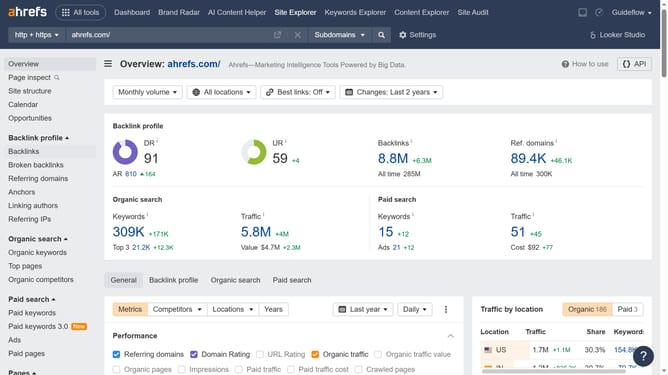
- In the search bar, click the domain input field to enter a URL
- Click the "Search" button to analyze the URL
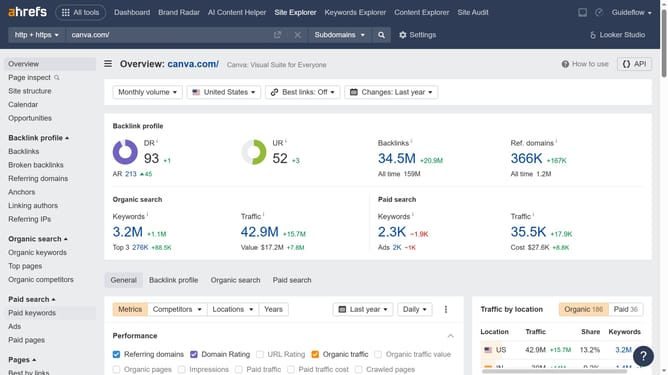
- In the left sidebar menu, click on "Paid pages" under the Paid search section
- Click the "Paid traffic" checkbox in the metrics options to view paid traffic data
- Finally, click on the spikes in the graph, as they indicate trends in paid traffic costs
Why should you track paid traffic cost trends in Ahrefs
Ahrefs is a powerful suite of SEO tools designed to enhance your digital marketing strategy.
Tracking paid traffic cost trends in Ahrefs helps you understand how much you spend on advertising over time. It's essential for optimizing your ad budget and maximizing ROI.
This feature allows you to pinpoint exactly which campaigns are driving the most effective traffic. By monitoring trends, you can adjust your strategies efficiently, ensuring your marketing efforts remain cost-effective.
Ultimately, Ahrefs helps you make informed decisions that align with your business goals, enhancing your competitive edge in the digital landscape.
Last update