How to find referring domains with nofollow links in Ahrefs
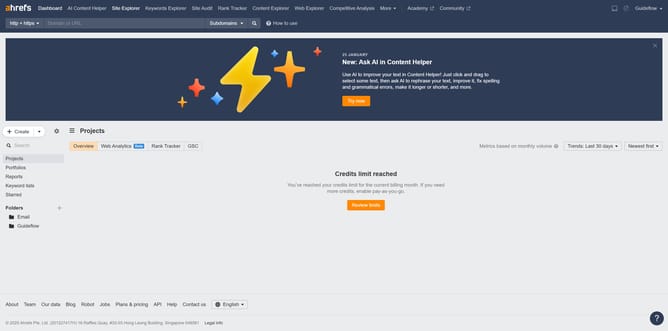
Here is how to find referring domains with nofollow links in ahrefs
- First click on "Site Explorer" in the top navigation menu
- Enter the domain in the URL search field on the Site Explorer page
- Click the "Search" button to analyze the domain
- Next click on "Referring domains" in the left sidebar menu
- Then click on "Nofollow" filter button in the results toolbar
- Finally click on "Show results" button to apply the Nofollow filter
Why should you find referring domains with nofollow links in Ahrefs
Ahrefs is a leading tool designed for comprehensive SEO and competitive analysis.
Finding referring domains that use nofollow links in Ahrefs allows users to identify where their website is mentioned without voting power conferred by traditional backlinks.
This insight helps in evaluating which domains recognize your content, enabling strategic partnerships or outreach opportunities. Understanding these links can also guide future link-building efforts by pinpointing key influencers who already value your content.
Last update