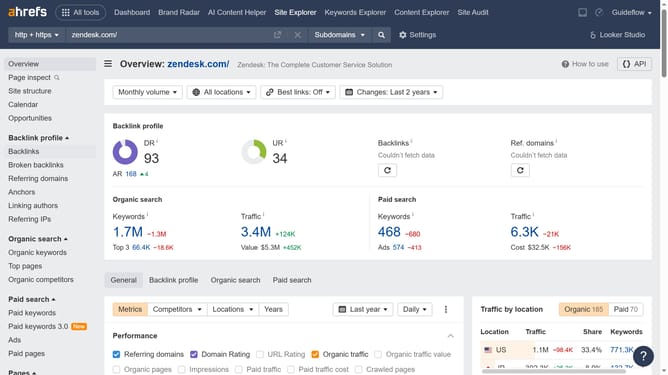
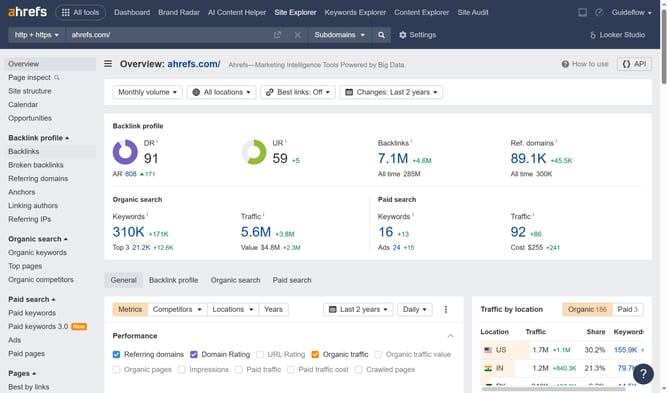
How to track keyword performance over a period of time in Ahrefs
Here is how to track keyword performance over a period of time in ahrefs
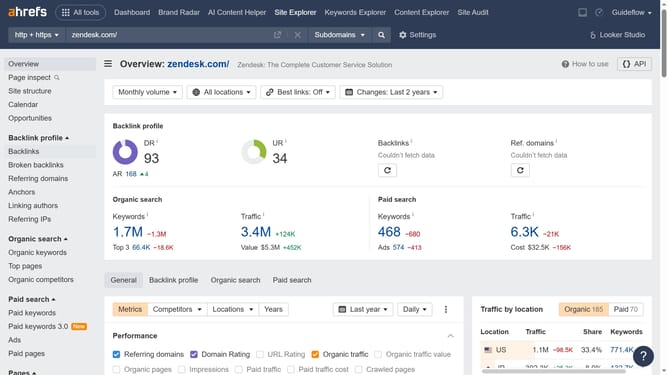
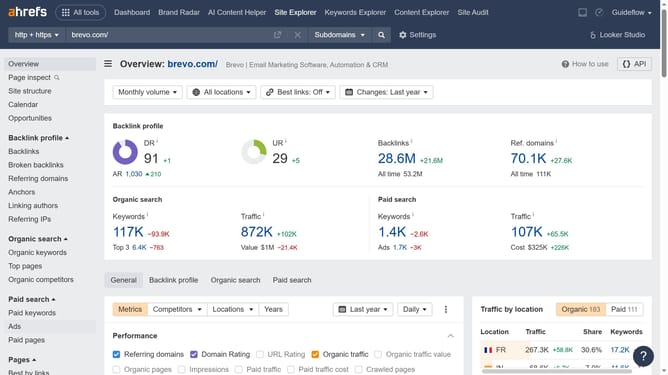
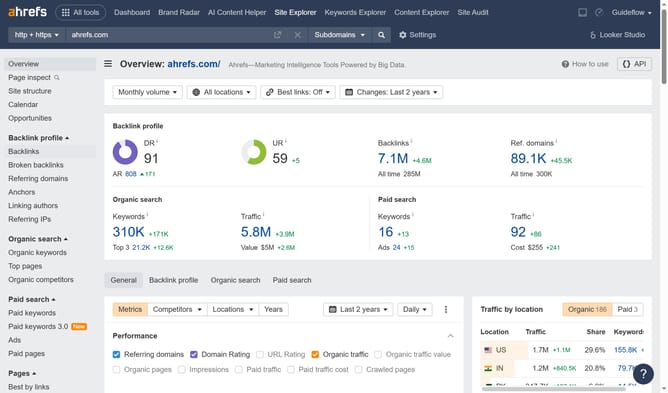
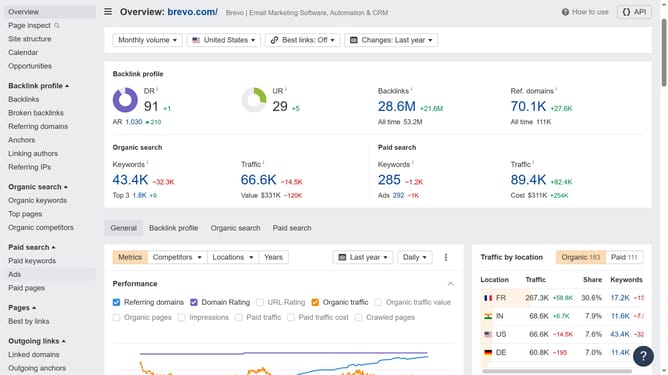
- Click on "Site Explorer" in the top navigation menu
- Click on the URL input field in the search bar
- Enter the URL in the input field
- Click the search button in the search bar
- Click on "Top pages" in the left sidebar menu
- Click on "Organic keywords" checkbox in the Performance section
- Click the dropdown in the date range selector
- Now choose an option in the dropdown menu
Why should you track keyword performance over a period of time in Ahrefs
Ahrefs is a comprehensive tool for analyzing and enhancing SEO performance.
Tracking keyword performance over time in Ahrefs is an invaluable feature for understanding how your chosen keywords perform in search engine rankings. It allows users to monitor fluctuations, identify trends, and make informed adjustments to their SEO strategies.
This feature helps maintain a competitive edge by providing insights into the effectiveness of your SEO campaigns over time. By consistently analyzing keyword performance, users can optimize content and improve search visibility.
Last update