How to find lost referring domains over time in Ahrefs
Here is how to find lost referring domains over time in ahrefs
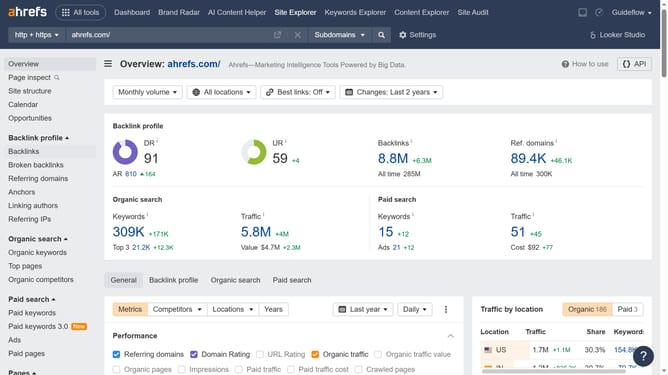
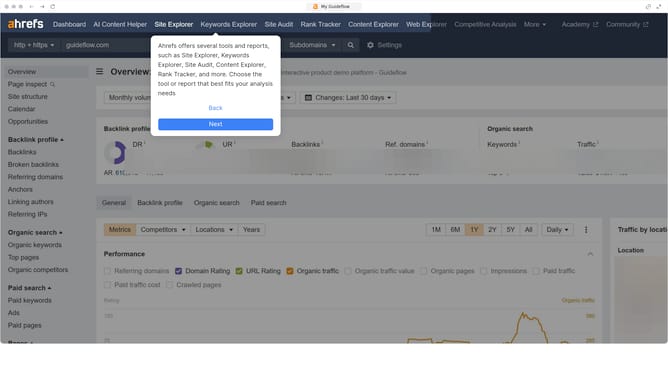
- First click on "Site Explorer" in the top navigation menu
- Enter the domain in the URL search field on the Site Explorer page
- Click the "Search" button to analyze the domain
- Next click on "Referring domains" in the left sidebar menu
- Finally click on the "Lost" filter tab in the referring domains view
Why should you find lost referring domains over time in Ahrefs
Ahrefs is an essential tool for SEO analysis, helping professionals track and optimize their website performance for better search visibility.
One valuable feature of Ahrefs is its ability to identify lost referring domains over time. This feature provides critical insights by showing which domains have stopped linking to your site.
By understanding these trends, you can pinpoint potential issues, reclaim valuable backlinks, and strengthen your site's link profile, enhancing your SEO strategy. Monitoring lost domains ensures your website maintains strong link authority and improves its search rankings effectively.
Last update