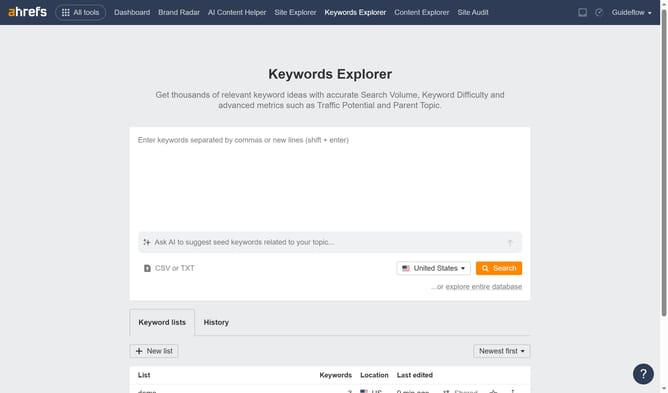
How to analyze the correlation between Domain Rating (DR) and organic traffic in Ahrefs
Here is how to analyze the correlation between domain rating (dr) and organic traffic in ahrefs
- First click on "Site Explorer" in the top navigation menu
- Then enter your website's domain or URL input field in the search bar
- Click the "Search" button to begin the analysis
- In the Overview report, click on the "General" tab in the metrics section to view traffic metrics
- Next check the "Domain Rating" and "Organic Traffic" checkboxes under Performance section
- Use the date range dropdown in the top-right corner to select a specific time period if needed
- Finally analyze the graph to determine if higher DR correlates with increased organic traffic
Why should you analyze the correlation between Domain Rating (DR) and organic traffic in Ahrefs
Ahrefs is a powerful tool for monitoring and improving website performance.
Analyzing the correlation between Domain Rating (DR) and organic traffic using Ahrefs can reveal insightful trends and opportunities. A higher DR often indicates a strong, authoritative online presence, which can lead to increased organic traffic.
Understanding this relationship equips you with actionable insights, allowing you to prioritize strategies that enhance your site's credibility and visibility. Leveraging Ahrefs' metrics enables more data-driven decisions, ultimately boosting your SEO efforts effectively.
Last update