How to filter keywords by intent in Ahrefs
Here is how to filter keywords by intent in ahrefs
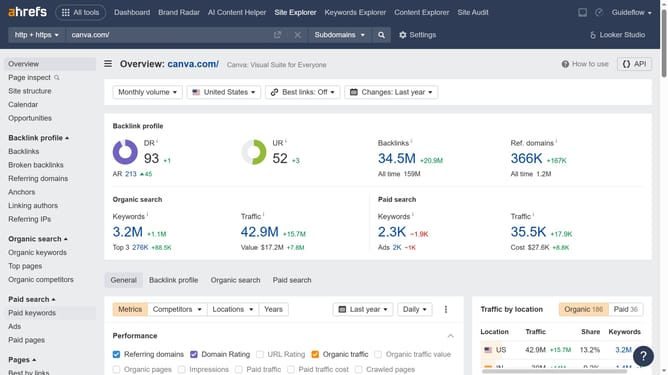
- First click on "Site Explorer" in the top navigation menu
- Click on the URL input field in the search bar
- Type the domain in the URL input field
- Click the search button to analyze the domain
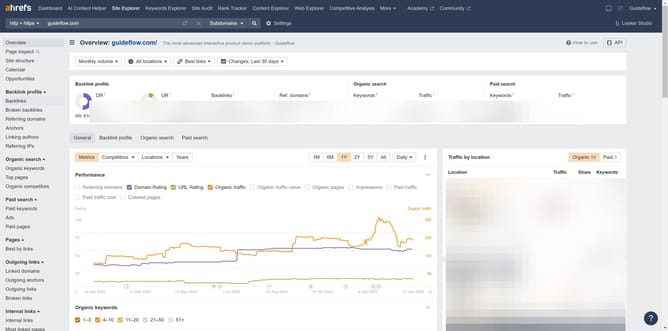
- In the left sidebar menu, click on "Organic keywords" under the "Organic search" section
- Click on the "Intents" filter button in the toolbar
- Select the desired intent from the User intents dropdown menu
- Click the "Apply" button to apply the intent filter
- Click the "Show results" button to display filtered keywords
Why should you filter keywords by intent in Ahrefs
Ahrefs is a powerful SEO tool designed to enhance your online visibility through comprehensive data analysis.
The ability to filter keywords by intent in Ahrefs is a game-changer for marketers and content creators looking to streamline their SEO strategies.
With this feature, you can easily categorize and prioritize keywords based on search intent, such as informational, transactional, or navigational.
Understanding keyword intent helps in crafting content that resonates with users' needs, improving the likelihood of engagement and conversions.
Ultimately, this leads to more targeted traffic and optimized content performance.
Last update