How to compare keyword data across dates in Ahrefs
Here is how to compare keyword data across dates in ahrefs
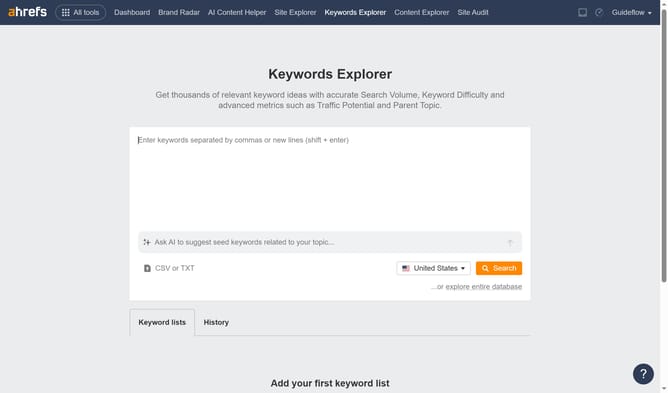
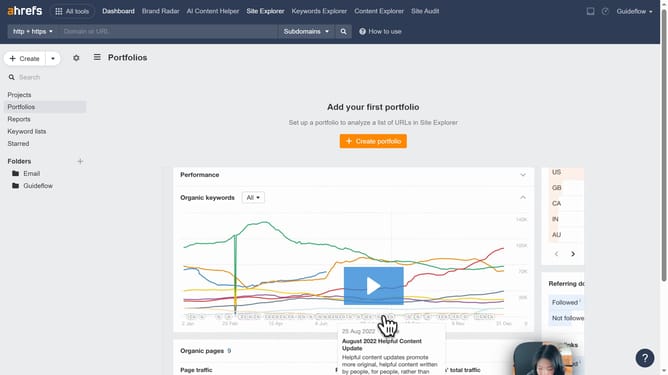
- First click on "Site Explorer" in the top navigation menu
- Then click on the URL input field in the search bar to enter a domain
- After entering your domain click the "Search" button
- In the left sidebar menu, click on "Organic keywords" under the "Organic search" section
- Click on the "Don't compare" dropdown menu to access comparison options
- Choose the desired comparison date using the filter range option
Why should you compare keyword data across dates in Ahrefs
Ahrefs is a powerful SEO tool designed to enhance your search engine strategies by providing comprehensive data insights.
With the ability to compare keyword data across different dates, Ahrefs empowers you to track shifts in search trends and adapt your strategies with precision. By analyzing past and present keyword performance, you can identify growth opportunities and enhance your site's visibility.
This feature is invaluable for understanding market dynamics, offering a clearer picture of your competitive landscape, and ensuring your content remains relevant.
Last update