How to sort backlinks by domain traffic in Ahrefs
Here is how to sort backlinks by domain traffic in ahrefs
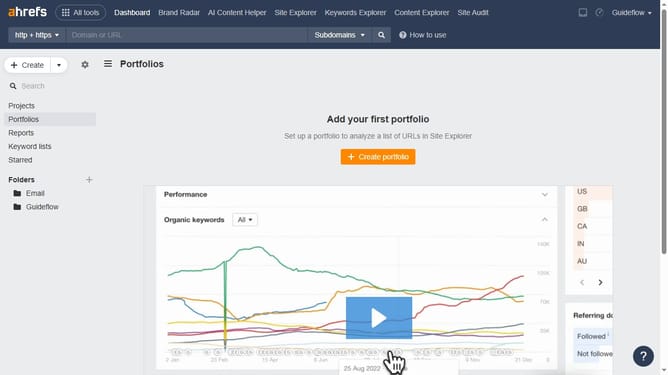
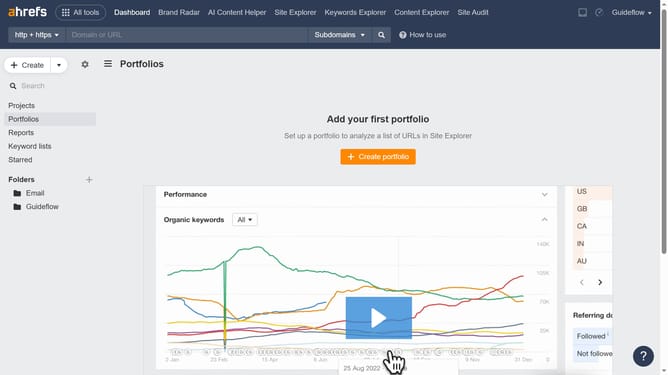
- First click on "Site Explorer" in the main navigation menu
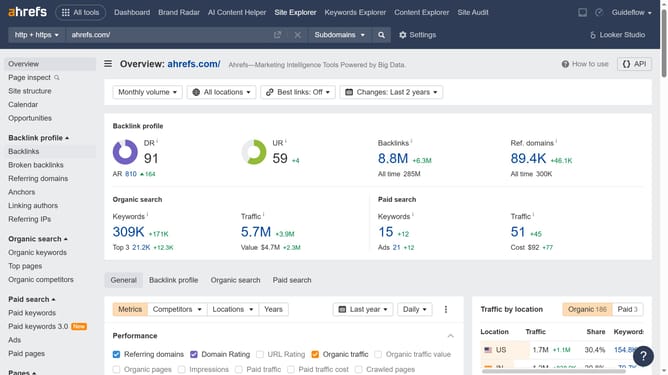
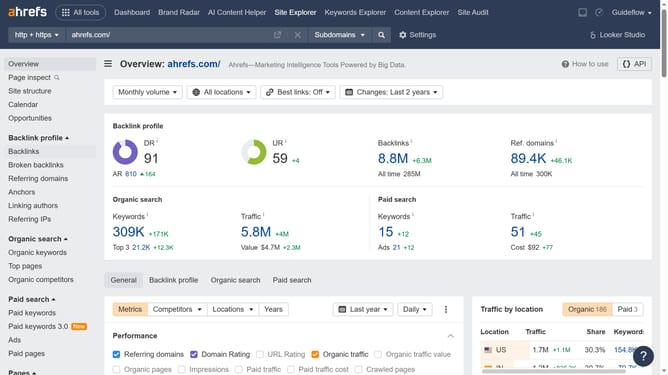
- Click in the "Domain or URL" search field and enter the domain
- Click the "Search" button
- Then click on "Backlinks" in the left sidebar menu
- Finally, click the "Domain traffic" column header to sort by highest or lowest values
Why should you sort backlinks by domain traffic in Ahrefs
Ahrefs is a powerful tool designed to enhance your SEO strategies by providing in-depth analysis of backlinks and competitor data.
Sorting backlinks by domain traffic in Ahrefs allows you to prioritize links that bring in the most traffic.
This insightful feature enables you to focus on high-value domains, helping streamline your efforts towards the most impactful links.
Using this approach optimizes your link-building strategies, improving your website's visibility and authority efficiently.
Last update