How to analyze traffic of organic competitors in Ahrefs
Here is how to analyze traffic of organic competitors in ahrefs
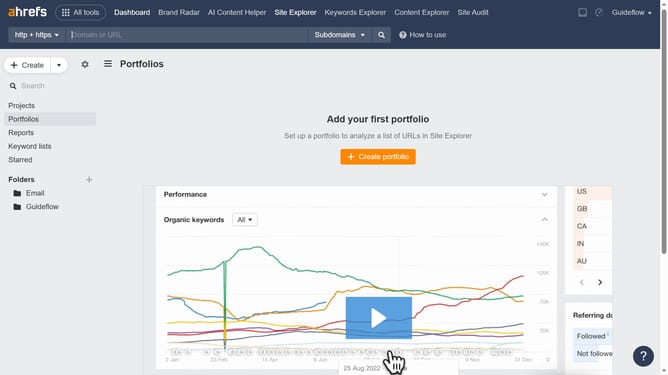
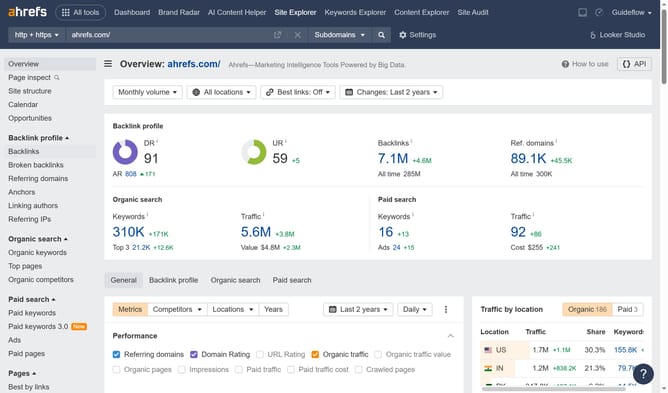
- First click on "Site Explorer" in the top navigation menu
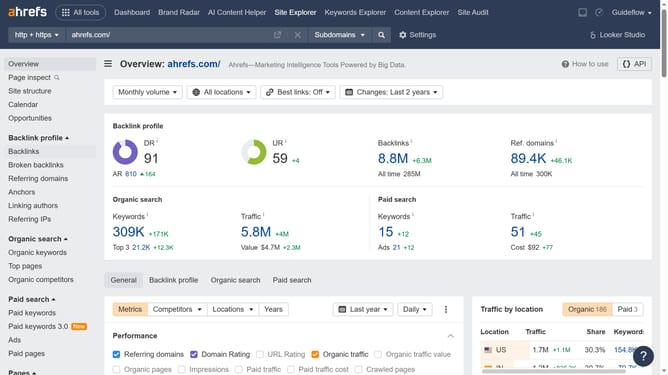
- Enter the domain in the URL search field on the Site Explorer page
- Click the "Search" button to analyze the domain
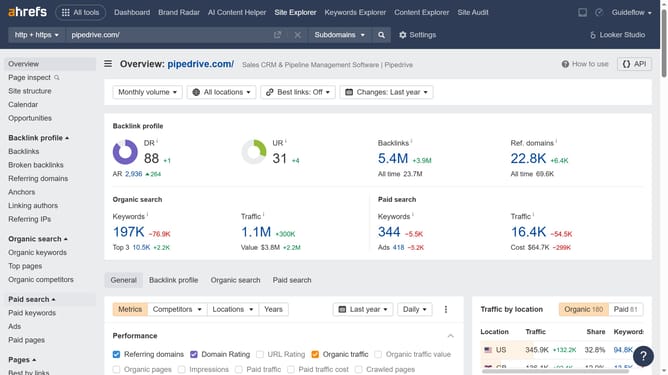
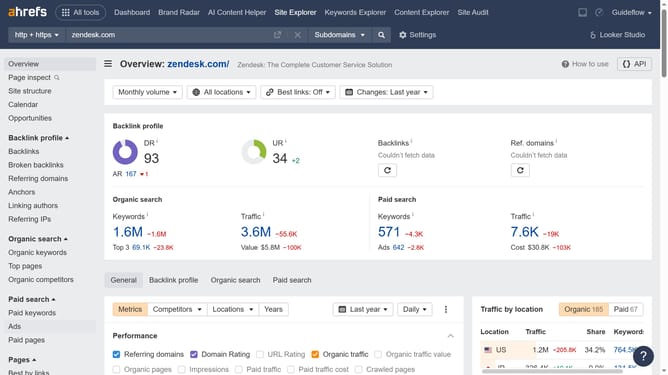
- Then click on "Organic competitors" in the left sidebar menu
- Locate the Traffic column, here you will find the estimated traffic value of all your organic competitors
Why should you analyze traffic of organic competitors in Ahrefs
Ahrefs is a powerful SEO tool designed to enhance your website's search engine visibility.
One key feature it offers is the ability to analyze the traffic of your organic competitors. By delving into this function, you can uncover the strategies driving your competitors' success.
This insight provides you with a competitive edge, allowing you to adapt and refine your own strategies effectively. Ultimately, analyzing competitor traffic helps elevate your site’s performance by learning from industry leaders.
Last update