Ahrefs
Ahrefs is an SEO toolset for backlink analysis, keyword research, and competitive insights.
Website
Industry
SEO
Share this article:

How to download competitor outbound links in Ahrefs

Here is how to download competitor outbound links in ahrefs

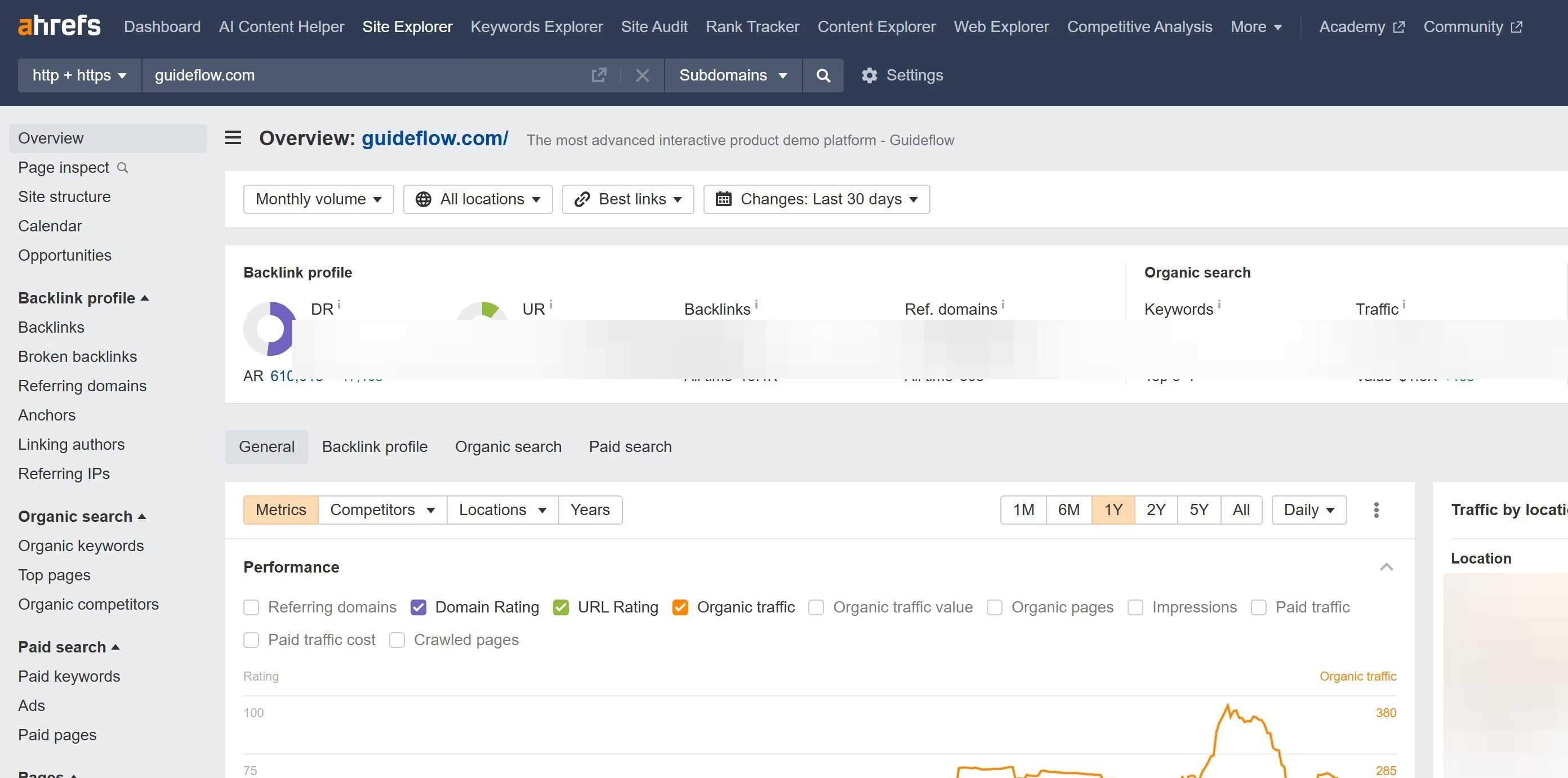
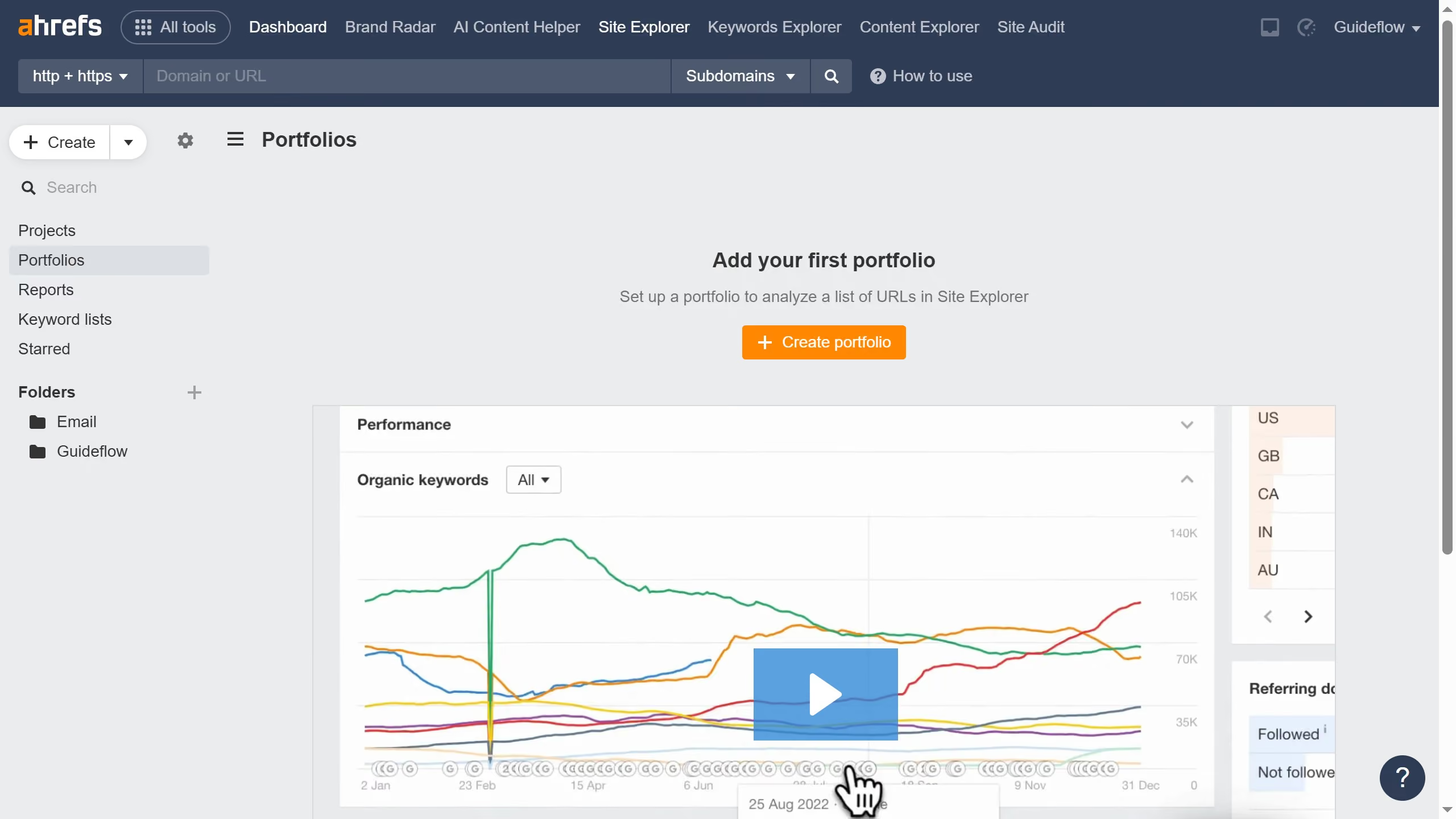
  1. First click on "Site Explorer" in the main navigation bar
  2. In the search field labeled "Domain or URL", enter the competitors domain
  3. Click the search button to analyze the domain
  4. In the left sidebar menu, click on "Outgoing links"
  5. Click on "Export" button in the top-right corner of the results table
  6. In the export dialog, select the desired format option and click the "Export" button

Create your own interactive guide with Guideflow

Why should you download competitor outbound links in Ahrefs

Ahrefs is a powerful tool designed to elevate your digital marketing strategy by providing deep insights into SEO metrics and competitive analysis.

Using Ahrefs to download competitor outbound links offers you a strategic advantage, allowing you to understand where competitors are directing their engagement efforts.

This feature enables you to identify potential collaboration opportunities, mimic successful link strategies, and enhance your own site's backlink profile.

Understanding competitor behavior not only refines your approaches but also aids in uncovering untapped markets and audience segments.


Last update
June 16, 2026
Cursor MariaA cursor points to a button labeled "James."

Create your first demo in less than 30 seconds.