How to compare paid page performance over time in Ahrefs
Here is how to compare paid page performance over time in ahrefs
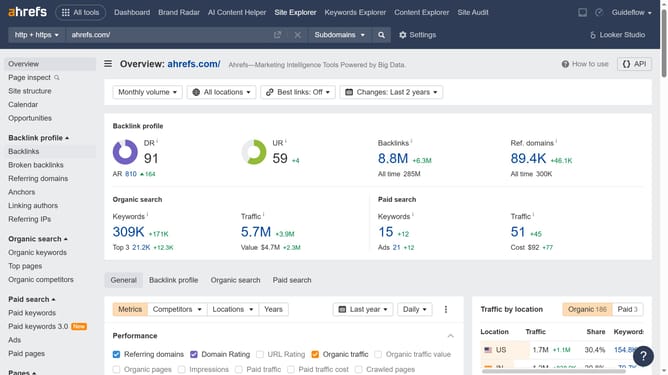
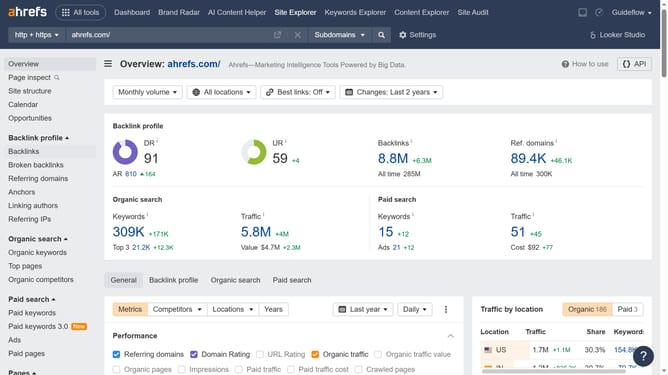
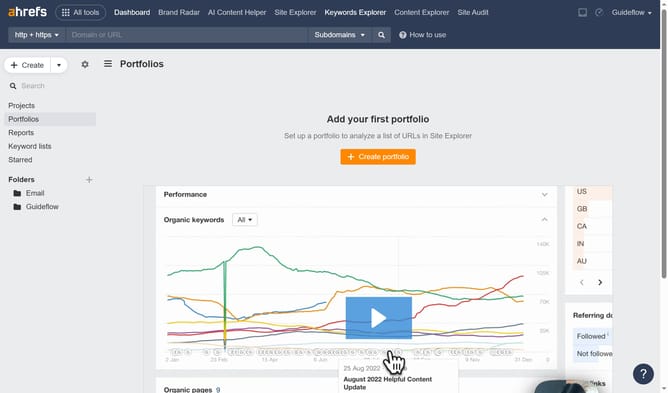
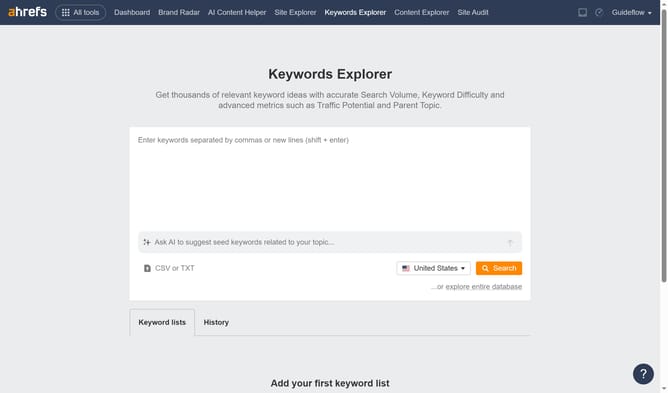
- First click on "Site Explorer" in the top navigation menu
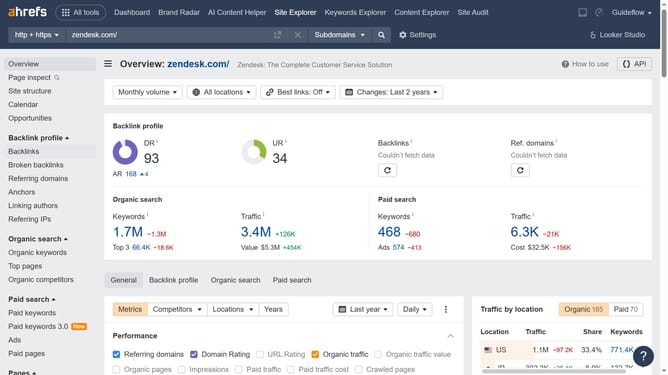
- In the search bar, click the domain input field to enter a URL
- Click the "Search" button to analyze the URL
- In the left sidebar, click on "Paid pages" under the Paid search section
- Click the "Compare" dropdown button in the main content area
- Choose your preferred comparison period options in the expanded dropdown menu
Why should you compare paid page performance over time in Ahrefs
Ahrefs is a powerful SEO tool designed to enhance search engine visibility through insightful analysis.
One key feature is the ability to compare paid page performance over time, which offers invaluable insights into the effectiveness of your advertising strategies. By leveraging this feature, users can track progress, identifying trends that drive conversion.
Utilizing this comparative analysis not only optimizes ad spend but also refines targeting strategies, ultimately boosting ROI and business growth.
Last update