How to show your sign-up form after a time delay in Klaviyo
Here is how to show your sign-up form after a time delay in klaviyo
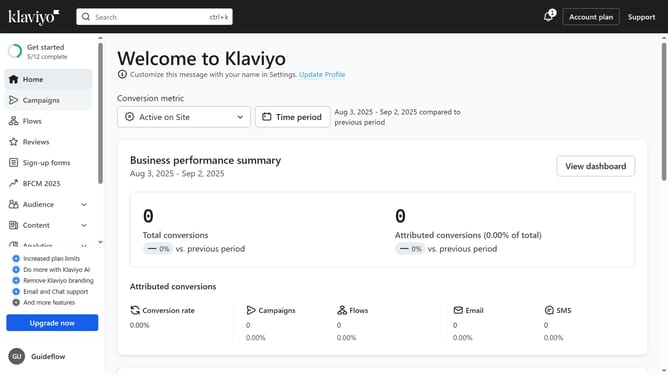
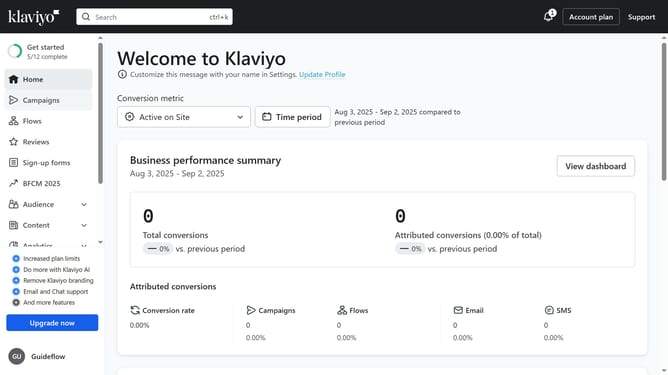
- First click on the "Sign-up forms" in the left sidebar menu
- From the list of forms, locate the form you want to update
- Next click the menu icon (three dots) next to the selected form
- Select "Edit" option from the dropdown menu
- Then click on "Targeting and behavior" option in the left settings panel
- Click on the "Display" tab in the targeting and behavior settings
- Next click on the "Show form" dropdown field under Timing section
- Select the "Based on rules" option from the dropdown list
- Next, enable the "After time delay’" option to display the form to site visitors after a chosen time
- Then set the desired time delay (in seconds) in the seconds field for the form to appear
- Finally click "Publish changes" button in the top-right corner to apply the setting
Why should you show your sign-up form after a time delay in Klaviyo
Klaviyo is a robust platform designed to elevate your email marketing strategies through sophisticated automation and data-driven insights.
A valuable feature in Klaviyo is the ability to delay when your sign-up form appears, ensuring it's shown at the right moment. This time delay can enhance user experience, preventing interruptions and fostering genuine engagement.
Using a timed delay increases the likelihood of capturing organic interest from visitors who have had a chance to explore your site, ultimately boosting your sign-ups.
Last update