How to remove suppressed profiles from a list in Klaviyo
Here is how to remove suppressed profiles from a list in klaviyo
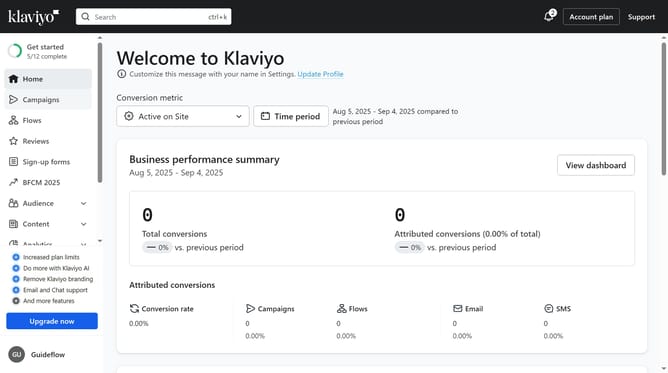
- First click on the "Audience" option in the left sidebar menu
- Next click on "Lists & segments" in the expanded Audience menu
- Then select the list you'd like to remove suppressed profiles from
- Click on the "Manage List" dropdown button in the top right corner
- Then select "Remove suppressed profiles" option from the dropdown menu
- Finally click the "Continue" button in the confirmation dialog
- The suppressed profiles have now been removed, and your list only contains active, emailable contacts
Why should you remove suppressed profiles from a list in Klaviyo
Klaviyo is a powerful email marketing tool designed to help businesses create personalized communication with their customers.
A key feature of Klaviyo is the ability to manage your subscriber list by removing suppressed profiles, ensuring your mailing list stays clean and efficient.
Deleting suppressed profiles enhances deliverability and engagement metrics, which are crucial for maintaining a healthy email marketing strategy.
This function allows you to focus on active subscribers, optimizing your resources and improving the overall effectiveness of your campaigns.
Last update