How to add tags to a new campaign in Klaviyo
Here is how to add tags to a new campaign in klaviyo
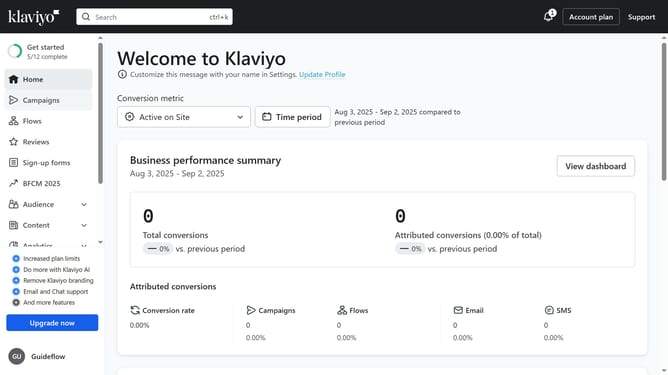
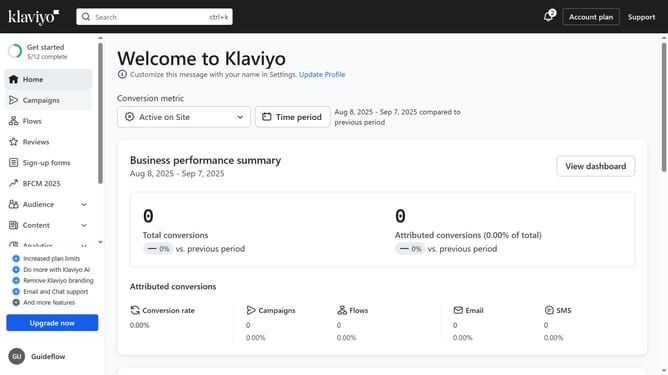
- First click on the "Campaigns" option in the left sidebar menu
- Next click the "Create campaign" button in the top-right corner
- On the campaign creation screen, enter a Campaign Name and choose your Campaign Type
- Scroll down and click on the "Campaign tags" dropdown to add campaign tags
- Next select the tag from the available options or create a new one
- Finally, click the "Continue" button to apply the tags and move forward with creating your campaign
- Now continue with the rest of your campaign setup (audience, content, etc.)
Why should you add tags to a new campaign in Klaviyo
Klaviyo is a powerful platform designed to elevate email marketing by providing advanced segmentation and personalization tools.
Adding tags to a new campaign in Klaviyo is a simple yet impactful feature that allows marketers to categorize and organize their campaigns effectively. With the use of tags, you can easily sort and identify your campaigns based on specific themes, goals, or audience segments, streamlining your marketing strategy.
This feature enhances your ability to manage and optimize email marketing efforts, ensuring that your messaging is both targeted and consistently aligned with broader business objectives.
Last update