How to prevent a segment from being deactivated in Klaviyo
Here is how to prevent a segment from being deactivated in klaviyo
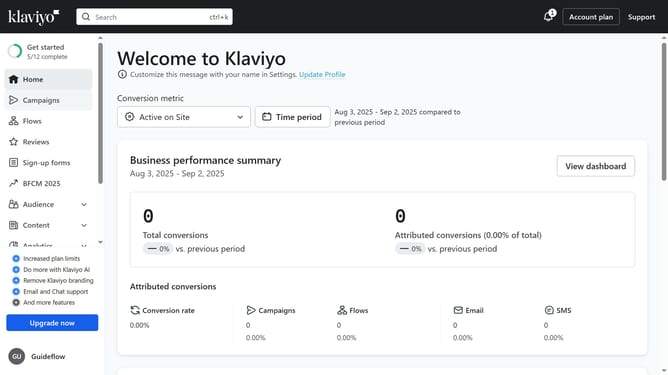
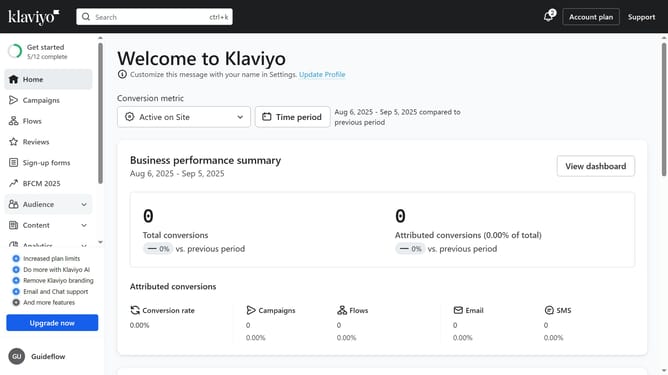
- First click on "Audience" in the left sidebar menu
- Next click on "Lists & segments" in the expanded Audience submenu
- From the list, locate the segment you want to prevent from deactivation
- Then star it by clicking the star icon next to its name
- This segment is now protected and will not be deactivated automatically
Why should you prevent a segment from being deactivated in Klaviyo
Klaviyo is a powerful platform designed for creating and optimizing personalized email and SMS campaigns.
Preventing a segment from being deactivated ensures that your precise targeting continues to enhance marketing effectiveness.
This feature grants the ability to maintain engagement with all customer groups, thereby boosting open rates and conversions.
Utilizing this feature minimizes the risk of losing valuable customer insights and keeps your marketing efforts on track effortlessly.
Last update