How to filter campaigns by status in Klaviyo
Here is how to filter campaigns by status in klaviyo
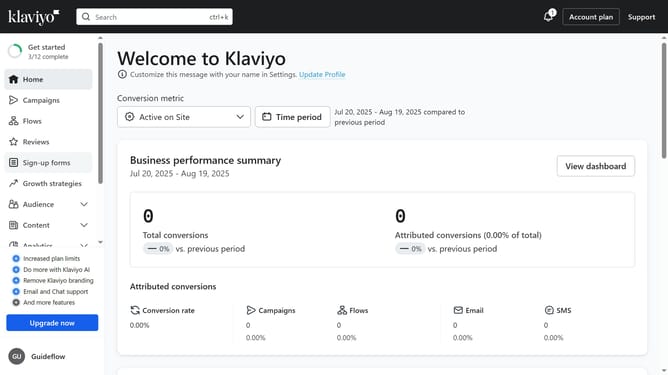
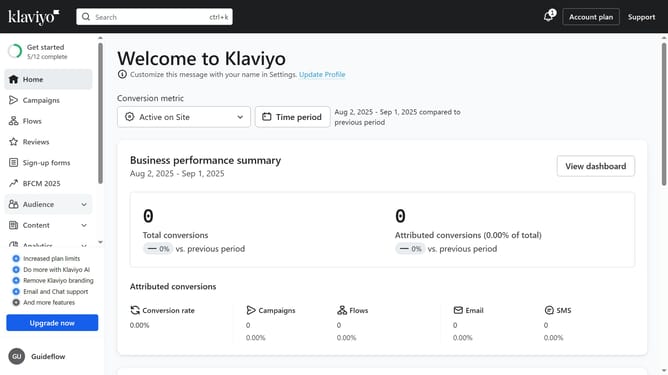
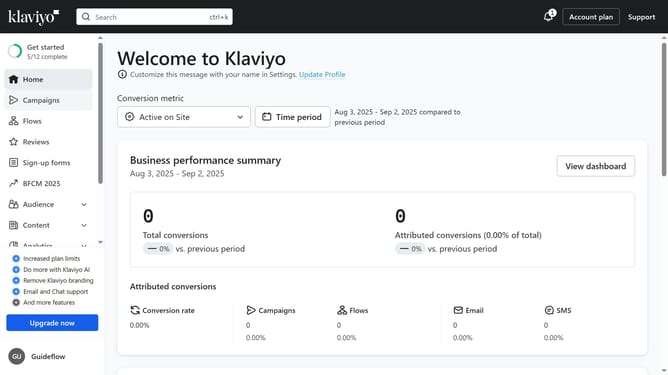
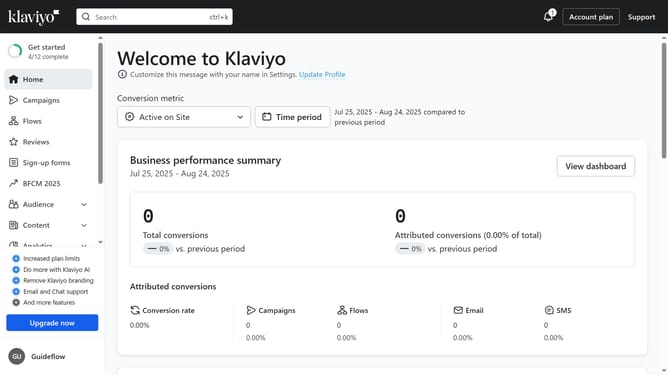
- First click on "Campaigns" in the left sidebar menu
- Next click on the "Status" dropdown filter in the top filter bar
- Then from the dropdown menu, select the status you want to filter by
- The campaigns list will now display only campaigns with the selected status
Why should you filter campaigns by status in Klaviyo
Klaviyo is a powerful platform designed to elevate your eCommerce business through personalized email marketing.
One of its standout features is the ability to filter campaigns by status, allowing users to efficiently organize and manage their marketing efforts. By utilizing this feature, you can swiftly identify which campaigns are active, scheduled, or completed.
This streamlined approach aids in effective planning and ensures that you focus on what your business needs at any given moment, enhancing productivity and results.
Last update