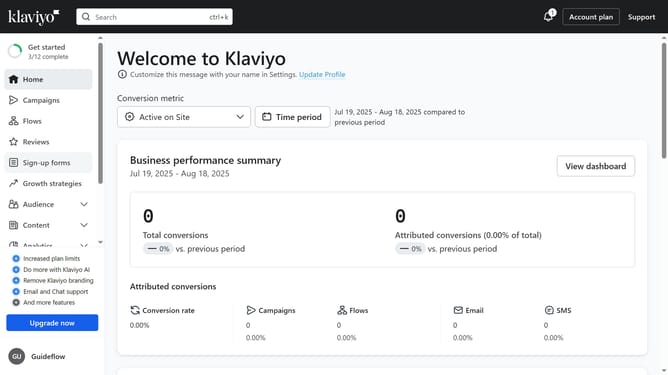
How to change the status of a sign-up form in Klaviyo
Here is how to change the status of a sign-up form in klaviyo
- First click on "Sign-up forms" in the left sidebar menu
- Find the form whose status you want to change in the forms list
- Next click on the menu button (three dots) next to it
- In the dropdown menu, click on "Edit" option
- Then click on the status dropdown in the top right corner
- Finally select either "Live" to publish the form or "Draft" to unpublish it in the dropdown menu
- The new status will be applied instantly
Why should you change the status of a sign-up form in Klaviyo
Klaviyo is an advanced email marketing platform designed to streamline customer engagement.
Changing the status of a sign-up form in Klaviyo can help businesses effectively manage their marketing campaigns. This feature allows users to activate or deactivate forms with ease, aligning promotional strategies with current goals.
Utilizing this capability ensures that forms are only available when needed, optimizing the user experience and maximizing conversion rates.
Ultimately, this flexibility fosters more dynamic marketing campaigns and enhances customer relations.
Last update