How to filter campaigns by date range in Klaviyo
Here is how to filter campaigns by date range in klaviyo
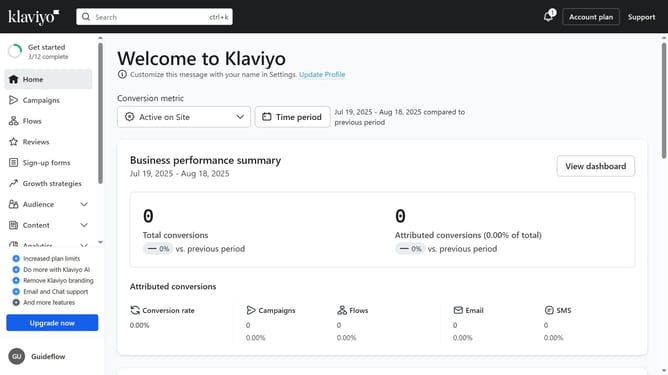
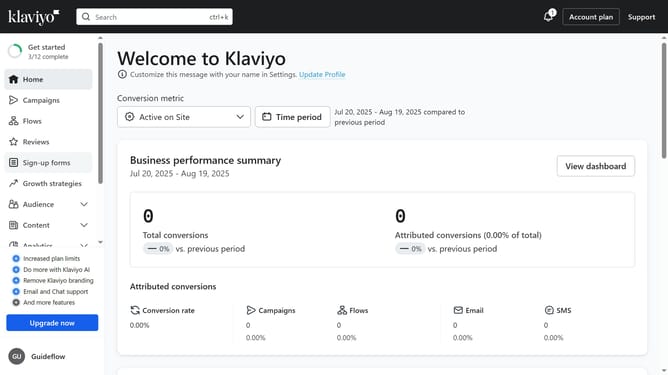
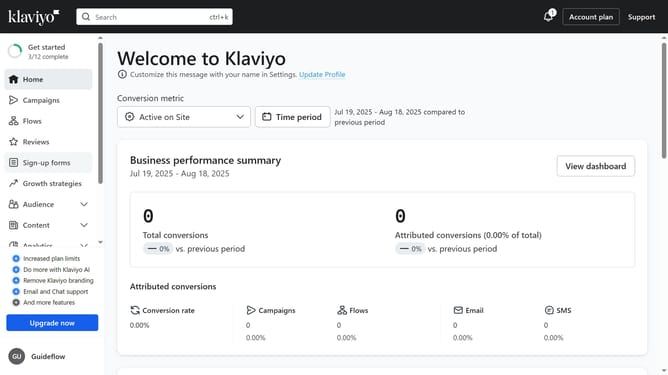
- First click on the "Campaigns" option in the left sidebar menu
- Next click on the "date range" dropdown menu in the campaign list toolbar
- In the date picker dropdown, select "Custom range" option or the specific date option you want to filter by
- Finally click the "Apply" button to confirm the date range selection
- The campaigns list will now display only campaigns sent within the selected date range
Why should you filter campaigns by date range in Klaviyo
Klaviyo is a dynamic marketing platform designed for personalized email and SMS outreach.
Filtering campaigns by date range in Klaviyo is a feature that offers precise insights into your marketing efforts across specific timeframes. It empowers users to analyze trends and assess performance during various periods.
This feature is invaluable for identifying peak engagement times, allowing brands to fine-tune their strategies for optimal results. Harnessing this tool enhances decision-making and boosts overall campaign effectiveness.
Last update