How to show your sign-up form when a visitor is exiting the page in Klaviyo
Here is how to show your sign-up form when a visitor is exiting the page in klaviyo
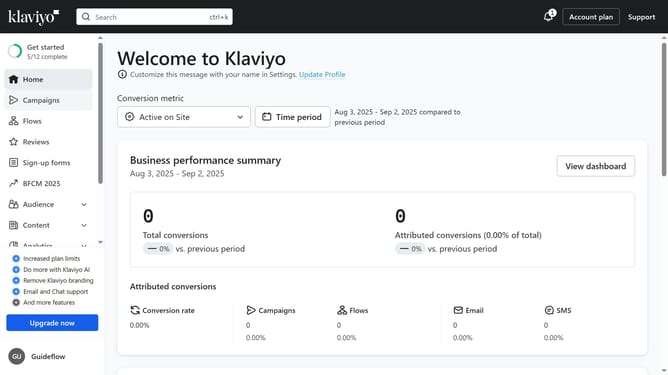
- First click on "Sign-up forms" in the left sidebar menu
- From the list of forms, locate the form you want to update
- Next click on the menu icon (three dots) next to the selected form
- Select "Edit" option from the dropdown menu
- Then click on "Targeting and behavior" option in the left settings panel
- Click on the "Display" tab in the targeting and behavior settings
- In the timing section, click on the "Show form" dropdown
- Select "Based on rules" option from the dropdown menu
- Then turn on the "When visitor is exiting the page" option
- Finally, click the ‘Publish changes’ button in the top-right corner to apply the setting
- Your form will now appear when visitors are about to leave the page, ready to capture their attention before they go
Why should you show your sign-up form when a visitor is exiting the page in Klaviyo
Klaviyo is a powerful email marketing platform designed to optimize customer engagement through personalized campaigns.
One of Klaviyo's standout features is the ability to display your sign-up form when a visitor is exiting the page, a strategic tool to capture potential customers at a crucial moment. This feature ensures you don't miss the chance to turn a casual browser into a lifelong subscriber. Utilizing this exit-intent strategy enhances your email list and strengthens your marketing efforts.
By leveraging this feature, businesses can minimize bounce rates and increase conversion rates, effectively growing their audience without interrupting the browsing experience.
Last update