How to schedule a campaign in Klaviyo
Here is how to schedule a campaign in klaviyo
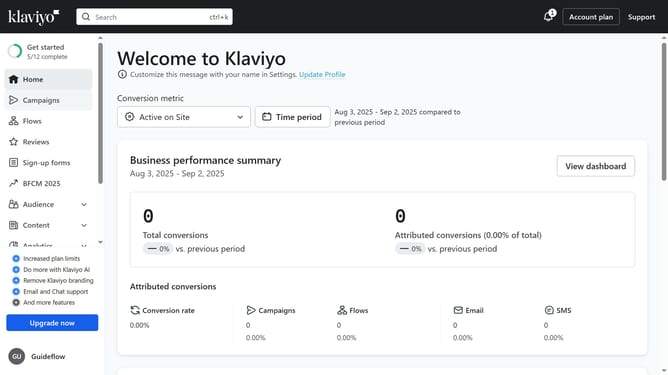
- First click on "Campaigns" in the left sidebar
- Next click the "Create Campaign" button to start a new one
- Alternatively, select a draft campaign you want to schedule from the campaigns list
- Next configure the audience you want to send to and define the sending details
- Click the "Next" button in the top-right corner to proceed
- Review the campaign content and message details to ensure everything is correct
- Click "Next" button again to continue
- Then click "Schedule or send" button in the top-right corner
- Select the "Schedule" option in the dialog
- Click on the "Type" dropdown and choose between Fixed send time or Gradual send over several hours
- Next select the time zone, date and time you want the campaign to be sent
- Finally click "Schedule campaign" button to confirm
- Your campaign has been successfully scheduled and will be sent at the chosen date and time
Why should you schedule a campaign in Klaviyo
Klaviyo is an innovative marketing platform designed to help businesses connect with their customers through personalized email and SMS campaigns.
Scheduling a campaign in Klaviyo allows businesses to plan their communications ahead of time, ensuring timely and relevant messaging.
This feature helps brands maintain a consistent dialogue with their audience, boosting engagement and fostering brand loyalty.
Ultimately, scheduling campaigns enhances organizational efficiency and amplifies marketing effectiveness without added stress.
Last update