Klaviyo
Klaviyo is a unified customer platform that helps online brands own their data, automate marketing, and build lasting relationships through personalized email, SMS, and customer experiences at scale.
Website
Industry
Leadgen
Share this article:

How to filter campaigns by Email type in Klaviyo

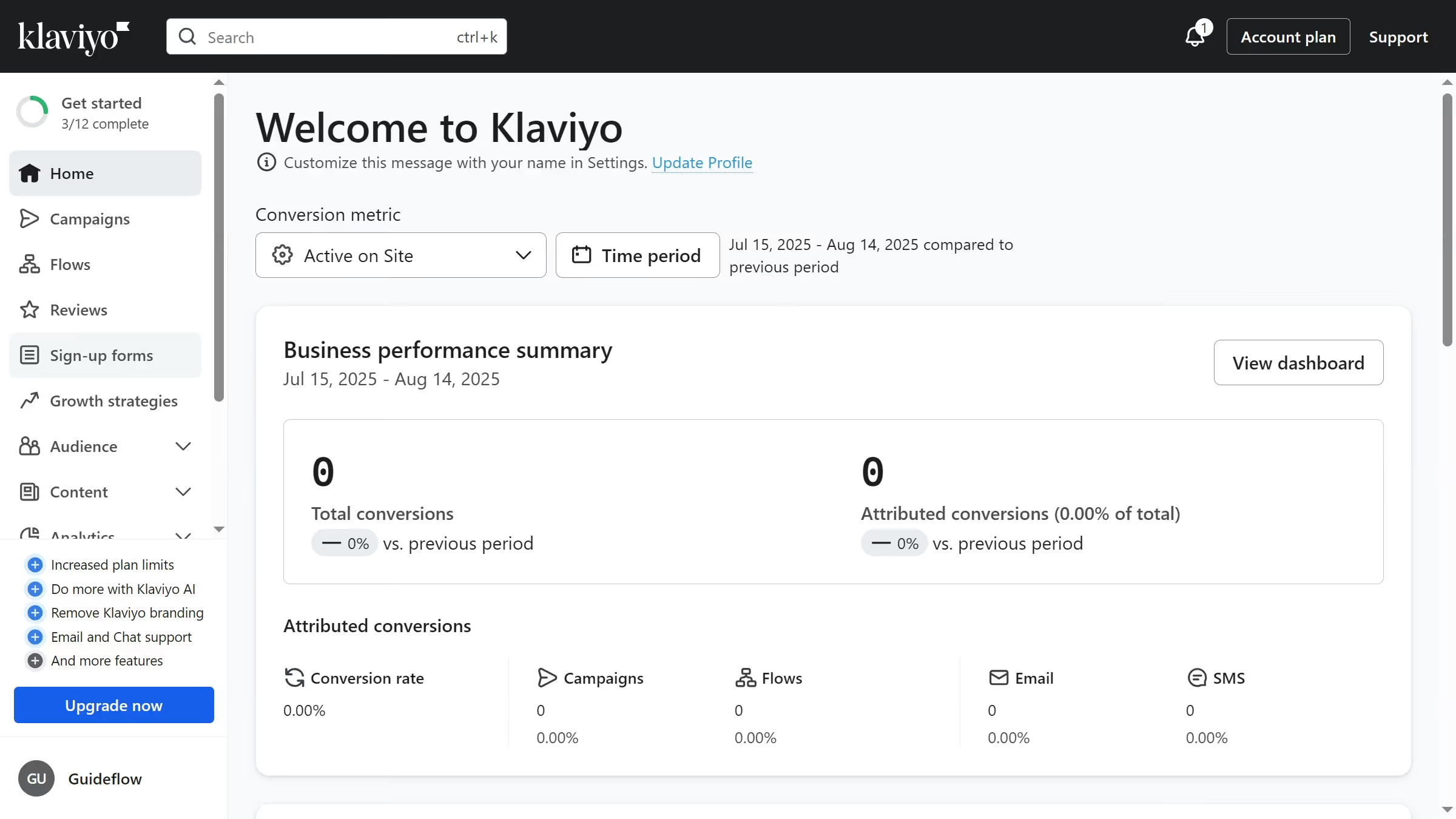
Here is how to filter campaigns by email type in klaviyo

  1. First click on "Campaigns" in the left sidebar menu
  2. Next click on the "Channels" dropdown filter in the top filter bar
  3. Then select "Email" option from the Channels dropdown menu
  4. The campaigns list will now show only Email campaigns

Create your own interactive guide with Guideflow

Why should you filter campaigns by Email type in Klaviyo

Klaviyo is a powerful platform designed to enhance customer engagement through personalized email marketing.

With the ability to filter campaigns by email type in Klaviyo, users can effortlessly organize and prioritize their marketing strategies. This feature allows marketers to quickly locate and assess targeted campaigns, improving efficiency and focus.

By streamlining your campaign management, you enhance your capacity to deliver relevant content to your audience, ultimately elevating customer satisfaction and driving better results.


Last update
February 4, 2026
Cursor MariaA cursor points to a button labeled "James."

Create your first demo in less than 30 seconds.