How to rename an existing email template in Klaviyo
Here is how to rename an existing email template in klaviyo
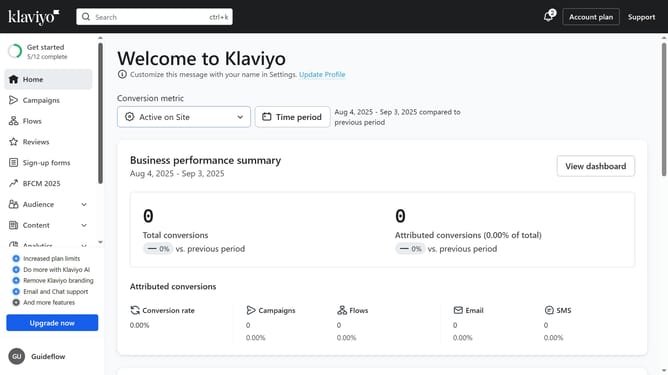
- First click on the "Content" option in the left sidebar menu
- Next select "Templates" from the expanded Content submenu
- Click on the "Email: saved" tab in the Templates section
- Locate the email template you want to rename from the list
- Next click on the menu icon (three dots) next to the template
- Select "Rename" from the dropdown menu
- Then enter the new name in the template name field
- Finally click the "Rename" button to confirm the change
Why should you rename an existing email template in Klaviyo
Klaviyo is a sophisticated email marketing platform designed to help businesses build deeper relationships with their customers through personalized communication.
Renaming an existing email template in Klaviyo is a simple yet powerful feature that enhances organization and workflow efficiency. By updating template names to reflect their purpose or specific campaign, users can easily manage and retrieve templates, reducing time spent searching through a cluttered template library.
This feature is beneficial for teams who rely on consistency and clarity. It ensures that email campaigns are seamlessly executed, aiding in the creation of well-organized marketing strategies that engage audiences effectively.
Last update