How to edit a campaign in Klaviyo
Here is how to edit a campaign in klaviyo
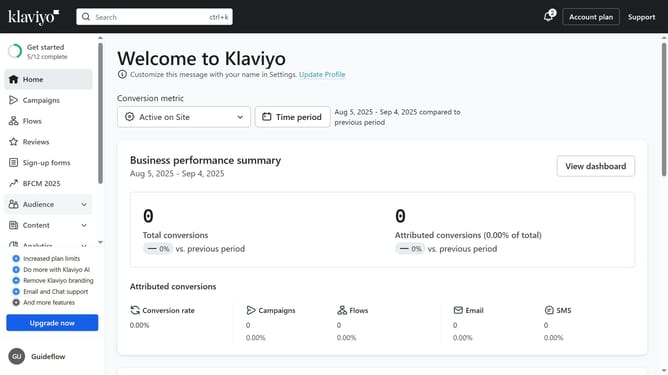
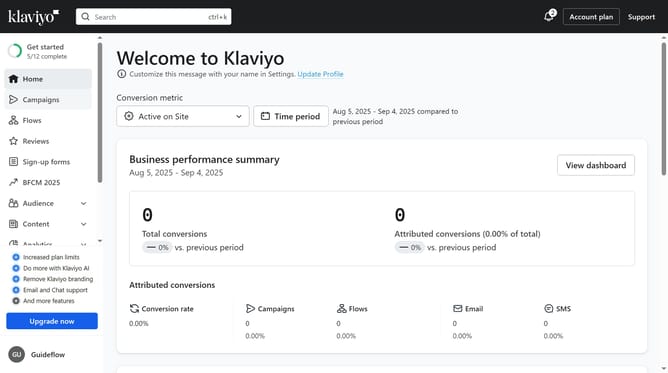
- First click on the "Campaigns" in the left sidebar
- Locate the campaign you want to edit in the campaigns list
- Next click the more options menu (three dots) next to the campaign
- Select "Edit campaign" from the dropdown menu
- Next configure the audience and define the sending details as needed
- Click the "Next" button in the upper right corner of the page
- Edit the campaign content or change the template if necessary
- Next modify the campaign message as needed (such as the subject line, preview text and sender details)
- Then, click on the "Next" button to save your changes
- The campaign has been successfully updated with your changes
- You can now click "Exit" to leave the editor or "Schedule or Send" to proceed with sending the campaign
Why should you edit a campaign in Klaviyo
Klaviyo is a powerful email marketing platform designed to boost customer engagement through personalized communications.
Editing a campaign in Klaviyo is incredibly intuitive, allowing marketers to easily refine their strategies. This feature enables users to update content, tweak scheduling, and adjust recipient lists effortlessly, ensuring each campaign remains relevant and effective.
By leveraging these editing capabilities, businesses can continually enhance their messaging, improving reach and resonance with their audience, thus driving better results.
Last update