How to bulk archive campaigns in Klaviyo
Here is how to bulk archive campaigns in klaviyo
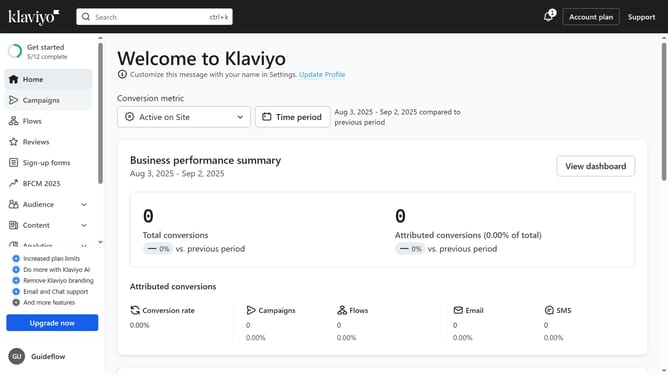
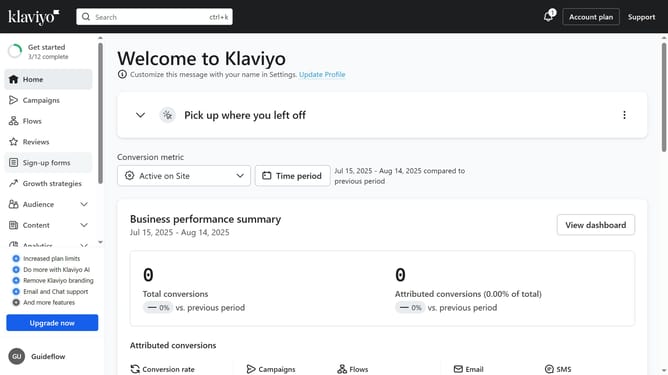
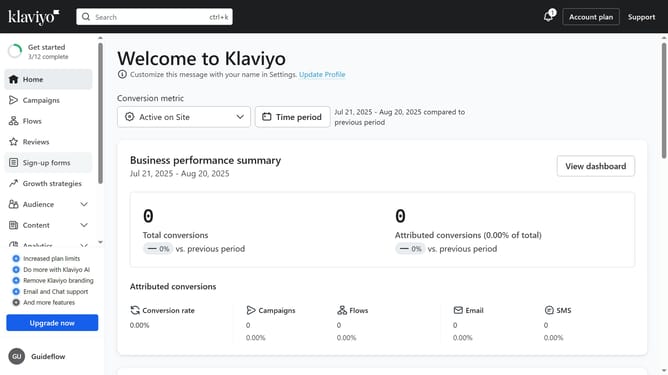
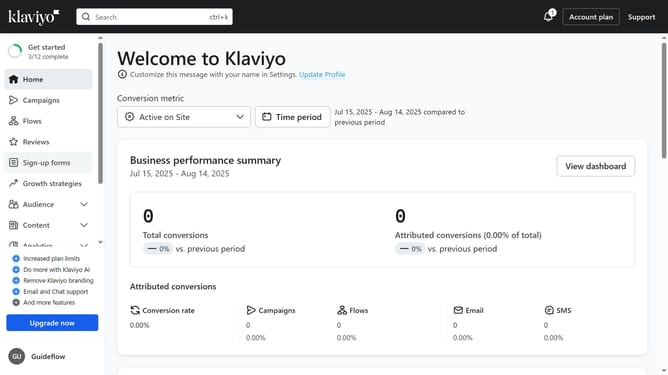
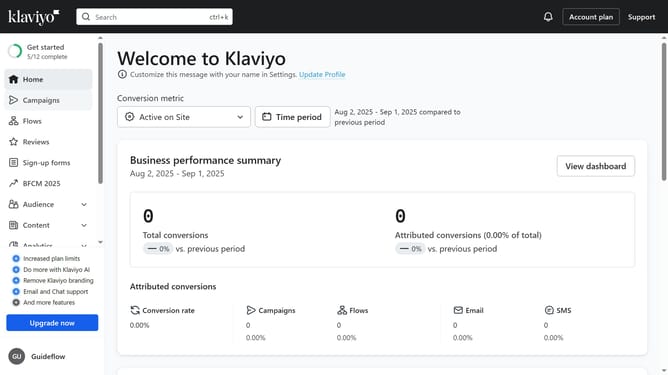
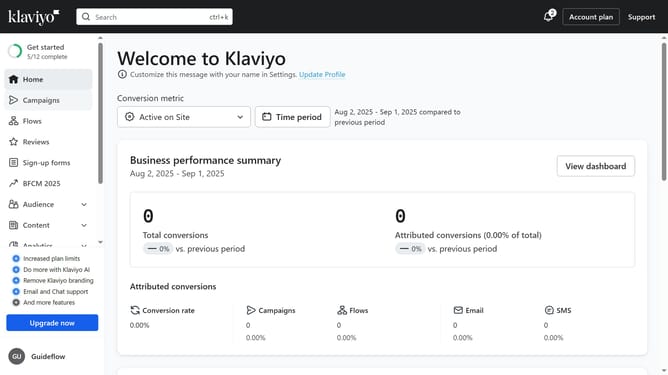
- First click on "Campaigns" in the left sidebar menu
- From the campaigns list, check the boxes next to the campaigns you want to archive
- Then click the "Archive" button in the bottom action bar to archive the selected campaigns
- The selected campaigns have been successfully moved to the archive
Why should you bulk archive campaigns in Klaviyo
Klaviyo is a powerful marketing automation platform designed to enhance e-commerce business growth.
One of its standout features is the ability to bulk archive campaigns. This allows users to efficiently manage large numbers of past campaigns, maintaining an organized workspace.
Utilizing this feature not only streamlines workflow but also improves the accessibility of current campaigns, enabling users to focus on strategic activities without getting bogged down by clutter.
Ultimately, it enhances productivity and ensures a more efficient marketing process.
Last update