How to pause a scheduled campaign in Klaviyo
Here is how to pause a scheduled campaign in klaviyo
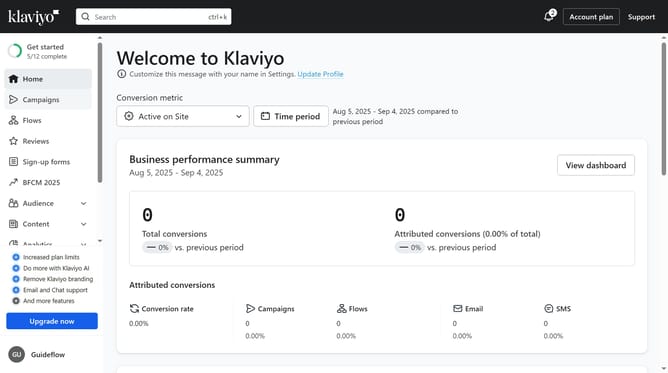
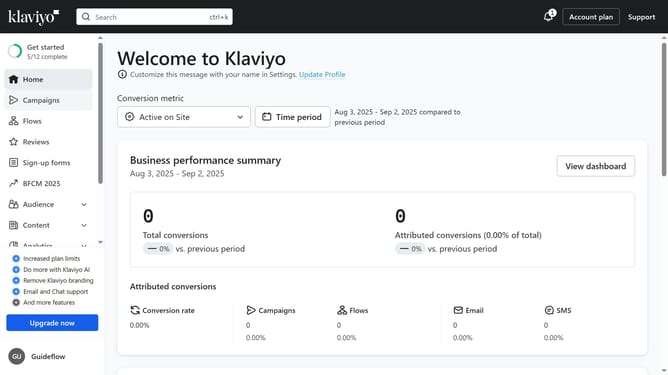
- First click on "Campaigns" in the left sidebar menu
- From the campaigns list, locate the scheduled campaign you want to pause
- Next click the more options (three dots) next to the campaign
- Select "Pause" option from the dropdown menu
- Then click the "Pause and edit campaign" button in the confirmation dialog
- In the campaign editor, you can edit the campaign details as needed
- The campaign has been successfully paused and will not be sent until it is resumed or rescheduled
Why should you pause a scheduled campaign in Klaviyo
Klaviyo is a powerful platform designed to enhance your email and SMS marketing strategies with precision and scalability.
The ability to pause a scheduled campaign in Klaviyo is an invaluable feature that offers flexibility and control to marketers. This function allows you to make timely adjustments to your strategy, respond to unforeseen events, or refine your messaging for better engagement.
Pausing a campaign ensures you can avoid potential mishaps, optimize timing, and ultimately increase your campaign's effectiveness by ensuring it aligns perfectly with your brand's goals.
Last update