How to schedule an email campaign in Klaviyo
Here is how to schedule an email campaign in klaviyo
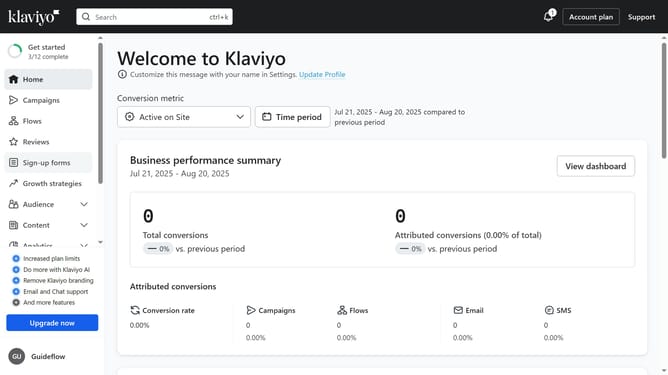
- First click on "Campaigns" in the left sidebar
- Next click on the "Create campaign" button to create a new one
- Alternatively, select a draft email campaign you want to schedule from the campaigns list
- Next configure the audience you want to send to and define the sending details
- Click the "Next" button in the top-right corner to proceed
- Review the campaign content and email message to ensure everything is correct
- Click "Next" button again to continue
- Then click "Schedule or send" button in the top-right corner
- Select the "Schedule" option in the dialog
- Click on the "Type" dropdown and choose between Fixed send time or Gradual send over several hours
- Next choose the Time zone, date and time you want the campaign to be sent
- Finally click "Schedule campaign" button to confirm
- Your email campaign has been successfully scheduled and will be sent at the chosen date and time
Why should you schedule an email campaign in Klaviyo
Klaviyo is a powerful email marketing tool designed to help businesses grow through personalized communication.
Scheduling an email campaign in Klaviyo allows you to strategically plan your marketing efforts.
This feature ensures your emails hit inboxes at the optimal time, maximizing engagement and impact.
By automating the process, you save valuable time while maintaining consistent customer interaction, driving greater results with less effort.
Last update