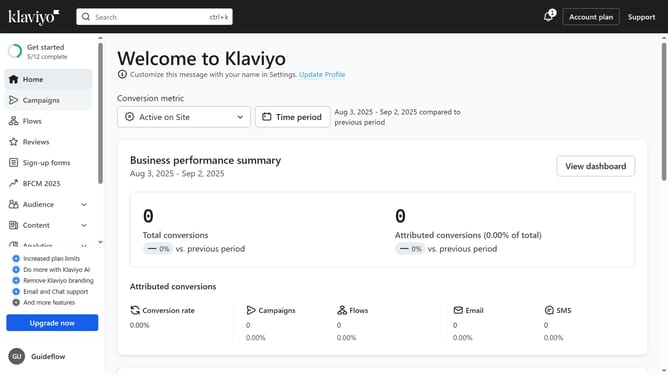
How to delete a campaign in Klaviyo
Here is how to delete a campaign in klaviyo
- First click on the "Campaigns" option in the left sidebar menu
- Locate the draft campaign you want to delete from the list
- Next click the options menu (three dots) next to the campaign
- Then select "Delete" from the dropdown menu
- Finally click the "Delete campaign" button in the confirmation dialog
Why should you delete a campaign in Klaviyo
Klaviyo is an innovative email marketing platform designed to help businesses connect and communicate effectively with their customers.
One key feature of Klaviyo is the ability to delete a campaign easily. This feature helps keep your workspace organized and clutter-free by removing outdated or unnecessary campaigns.
Deleting a campaign aids in maintaining focus on active projects, optimizing workflow efficiency, and ensuring precise analytics and report tracking. Use this feature to refine your strategies and streamline marketing efforts seamlessly.
Last update