How to unsuppress current members of a segment in Klaviyo
Here is how to unsuppress current members of a segment in klaviyo
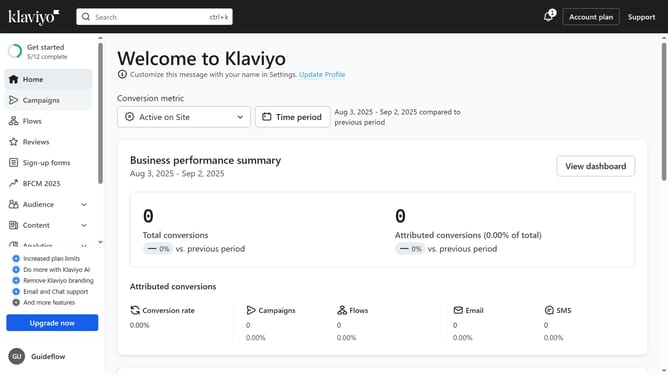
- First click on the "Audience" menu item in the left sidebar
- In the expanded Audience menu, click on the "Lists & segments" option
- Find the segment whose members you want to unsuppress
- Then click on the menu icon (three dots) next to the segment
- From the dropdown menu, select the "Unsuppress current members" option
- Finally click the "Bulk unsuppress" button in the confirmation dialog to proceed
- The current members of this segment are being unsuppressed; this process may take a little while to complete
Why should you unsuppress current members of a segment in Klaviyo
Klaviyo is a leading email marketing platform designed to help businesses create personalized, targeted campaigns effortlessly.
Unsuppressing current members of a segment in Klaviyo allows businesses to reconnect with previously disengaged contacts, opening doors to increased engagement and potential conversions. This feature empowers marketers to reintroduce valuable content to those who are ready for a renewed connection.
Utilizing this capability helps brands refine their audience interactions, ensuring that their messaging reaches those who might have been inadvertently overlooked.
Last update