How to find the subscribe link for a list in Klaviyo
Here is how to find the subscribe link for a list in klaviyo
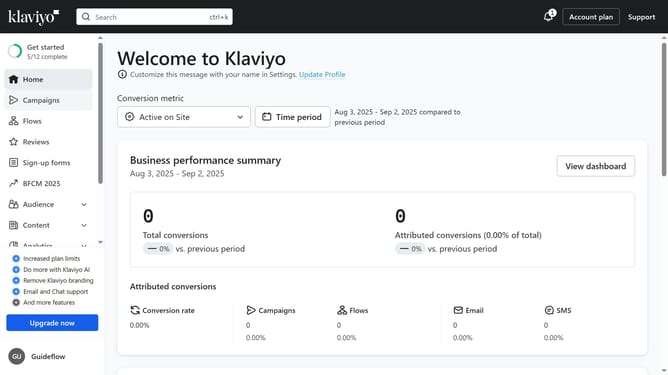
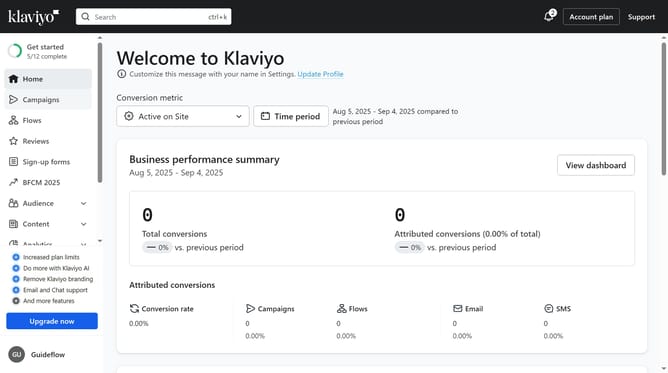
- First click on the "Audience" item in the left sidebar
- Next click on "Lists & segments" under the Audience menu
- Then click on a list (not a segment) from the list
- Navigate to the "Sign-up forms" tab in the top navigation menu
- Next scroll down to the "Subscribe Page" section at the bottom of the page
- Click the three dots menu button (three dots) next to the Subscribe page entry
- Then select "Copy URL" from the dropdown menu
- Alternatively, click on the "Subscribe page" in the list
- Then click on "Copy URL" button in the Subscribe page editor
- The URL will now be copied to your clipboard and you can paste it wherever you’d like
Why should you find the subscribe link for a list in Klaviyo
Klaviyo is a versatile tool designed to enhance your email marketing strategy with precision and ease.
One of its standout features is the ability to effortlessly locate the subscribe link for a list, streamlining the process of growing your audience.
This feature is particularly beneficial for ensuring that potential subscribers can easily join your list, allowing you to engage and nurture relationships with your audience efficiently.
Leveraging this functionality not only boosts subscriber acquisition but also fortifies your communication strategy, enhancing overall marketing effectiveness.
Last update