How to filter campaigns by channel in Klaviyo
Here is how to filter campaigns by channel in klaviyo
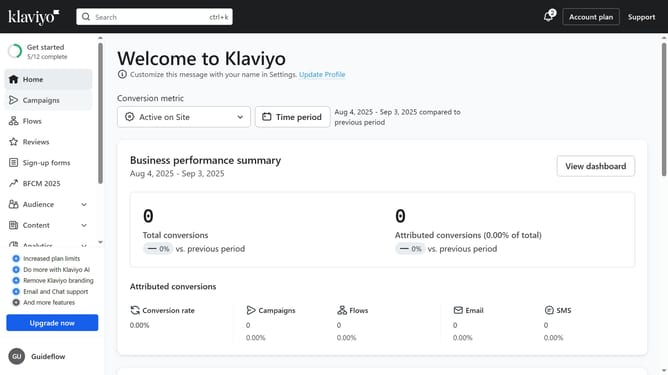
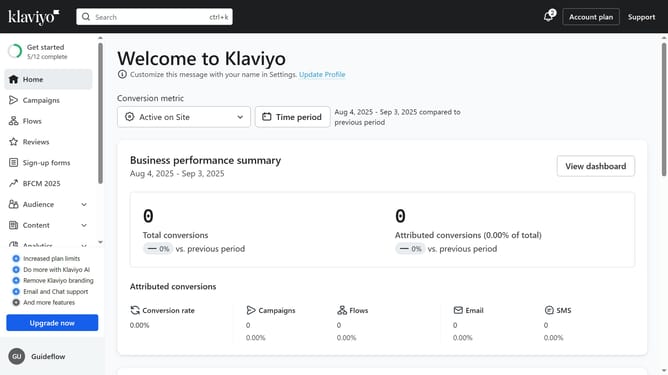
- First click on "Campaigns" in the left sidebar menu
- Next click on the "Channels" dropdown filter in the top filter bar
- Then select a channel option from the dropdown menu
- The campaigns list will now display only campaigns of the selected channel
Why should you filter campaigns by channel in Klaviyo
Klaviyo is an innovative marketing automation platform designed to enhance customer relationships through personalized communication.
Filtering campaigns by channel in Klaviyo allows users to streamline their marketing efforts by segmenting communications based on the channel used. This feature is crucial for targeting audiences more precisely, ensuring that the right message is delivered through the preferred medium.
Utilizing this feature enhances engagement, as it enables marketers to craft tailored messages that resonate with specific audience groups, ultimately driving more effective results.
Last update