How to update the definition of a segment in Klaviyo
Here is how to update the definition of a segment in klaviyo
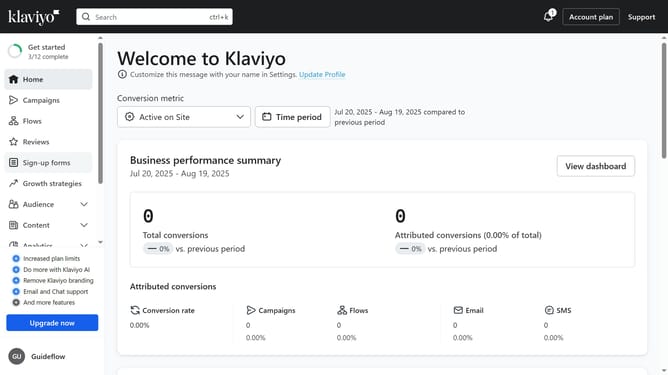
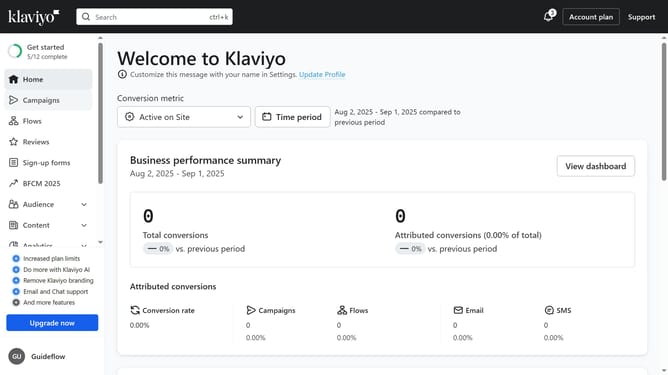
- First click on the "Audience" option in the left sidebar
- Next select "Lists & segments" from the Audience submenu
- Locate the segment you want to update from the list
- Click on the "More options" button (three dots) next to the segment
- Then select "Update definition" from the dropdown menu
- Update the segment conditions or filters to define who should be included in the segment
- Finally click on the "Update segment" in top-right corner to complete the segment update
- The segment definition has been successfully updated
Why should you update the definition of a segment in Klaviyo
Klaviyo is a powerful platform designed to enhance personalized and data-driven marketing for businesses.
Updating the definition of a segment in Klaviyo allows you to tailor your marketing efforts more precisely. By refining segment definitions, you ensure that communications align perfectly with customer behaviors, preferences, and buying patterns.
This feature not only enhances targeting accuracy but also improves engagement rates, resulting in more effective campaigns and a stronger connection with your audience.
Last update