How to unarchive multiple campaigns at once in Klaviyo
Here is how to unarchive multiple campaigns at once in klaviyo
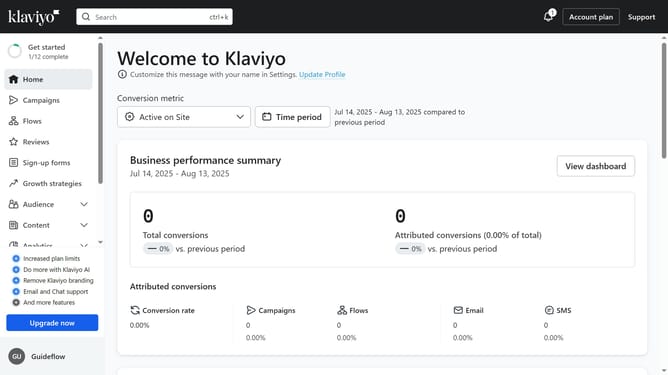
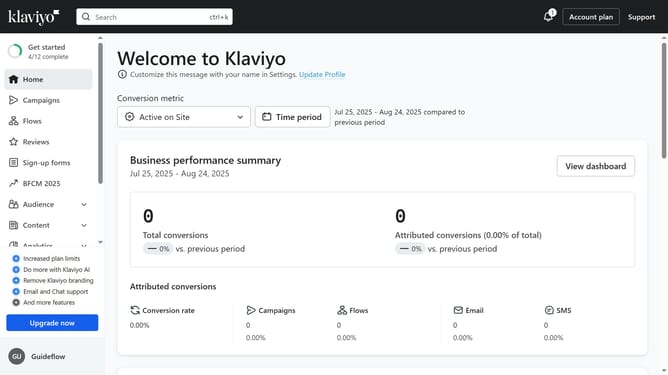
- First click on the "Campaigns" in the left sidebar menu
- Next click on the "Archived" filter button in the top filter bar
- Then select the checkboxes next to the campaigns you want to unarchive
- Finally click on the "Unarchive" button in the bottom action bar to unarchive the selected campaigns
Why should you unarchive multiple campaigns at once in Klaviyo
Klaviyo empowers businesses with personalized marketing capabilities to enhance customer engagement.
One of Klaviyo's standout features is the ability to unarchive multiple campaigns at once, streamlining the management of email marketing efforts.
This feature simplifies the process, saving time and allowing marketers to quickly revive past campaigns to analyze performance or re-use successful templates.
By facilitating efficient campaign management, Klaviyo supports more effective marketing strategies and maximizes the impact of every customer interaction.
Last update