How to filter campaigns by draft status in Klaviyo
Here is how to filter campaigns by draft status in klaviyo
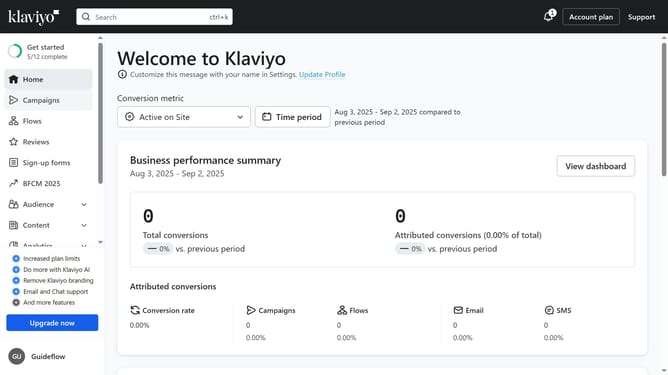
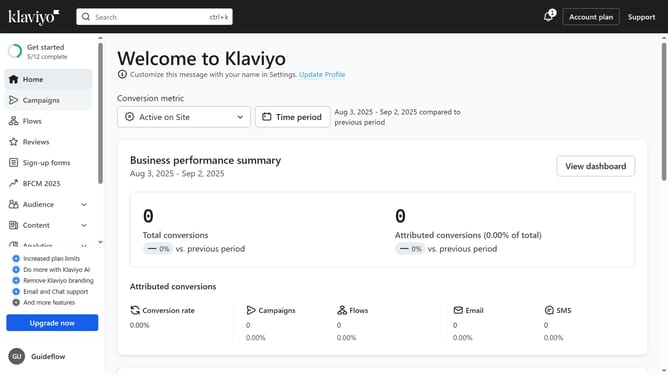
- First click on "Campaigns" in the left sidebar menu
- Next click on the "Status" dropdown filter in the top filter bar
- Then select the "Draft" option from the Status dropdown menu
- The campaigns list will now display only Draft campaigns
Why should you filter campaigns by draft status in Klaviyo
Klaviyo is a powerful platform designed to enhance personalized marketing through data-driven insights.
Filtering campaigns by draft status in Klaviyo allows users to seamlessly manage their email marketing efforts.
This feature makes it easy to organize and access campaigns that are still being developed, ensuring that your team can collaborate effectively.
By sorting drafts, you can focus on refining content before sending it out, which enhances efficiency and ultimately supports more successful campaign outcomes.
Last update