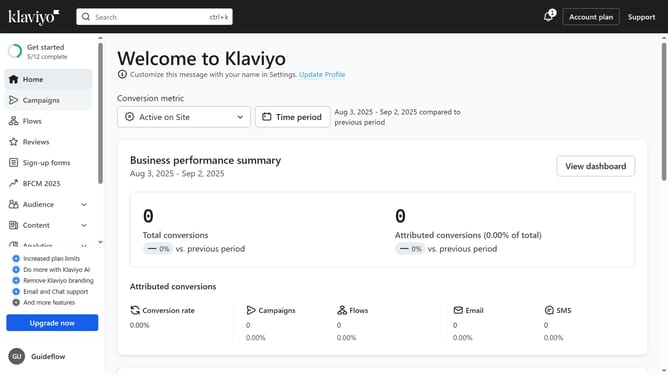
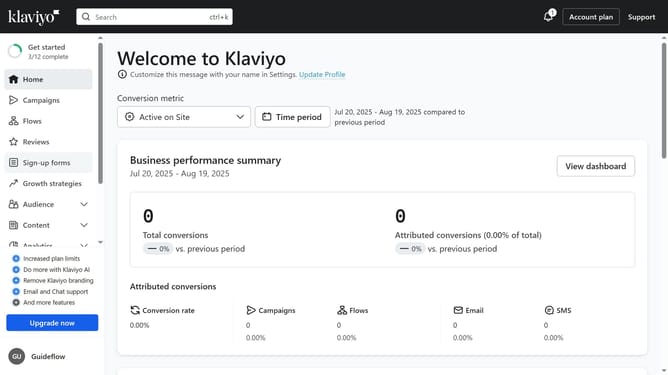
How to adjust the time zone setting for your Klaviyo account
Here is how to adjust the time zone setting for your klaviyo account
- First click on your organization name in the bottom left corner
- Next click on "Settings" in the dropdown menu
- Click on "Organization" tab in the left settings menu
- Then scroll down to the "Time zone" section
- Click on the timezone dropdown menu
- Select your preferred time zone from the timezone dropdown list
- Finally, click the "Save" button in the top-right corner to apply your changes
Why should you adjust the time zone setting for your Klaviyo account
Klaviyo is a powerful tool designed to enhance email marketing by understanding customer behavior.
Adjusting the time zone setting in your Klaviyo account ensures your communications are sent at the most optimal times. This feature allows you to align your marketing strategies with your audiences' local times.
This adjustment can significantly improve engagement rates and potentially boost conversions by reaching your customers when they are most active and receptive.
Utilizing this feature supports targeted messaging, making your marketing efforts more effective and personalized.
Last update