How to remove an existing segment from Klaviyo
Here is how to remove an existing segment from klaviyo
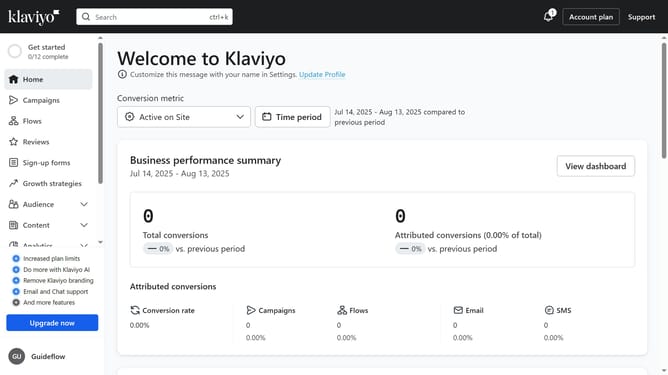
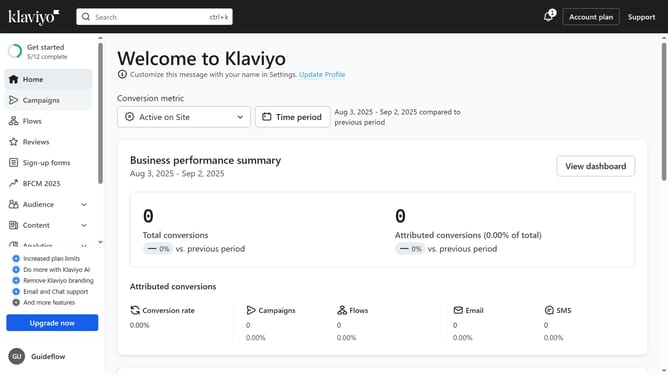
- First click on the "Audience" item in the left sidebar
- Next click on "Lists & segments" option in the Audience submenu
- Locate the segment you want to delete from the list
- Click on the "More options" button (three dots) next to the segment
- Then click on "Delete Segment" option in the dropdown menu
- Finally click on the "Delete" button in the confirmation dialog
Why should you remove an existing segment from Klaviyo
Klaviyo is a sophisticated platform designed to optimize email marketing and customer engagement strategies.
Removing an existing segment from Klaviyo streamlines your marketing efforts by eliminating outdated or unnecessary audience groups. This feature ensures that your marketing communications remain relevant and targeted, enhancing the overall effectiveness of your campaigns.
Utilizing this feature provides cleaner data management and allows for more precise audience targeting, ultimately boosting your potential for higher engagement and conversion rates.
Last update