How to move a campaign to the archive in Klaviyo
Here is how to move a campaign to the archive in klaviyo
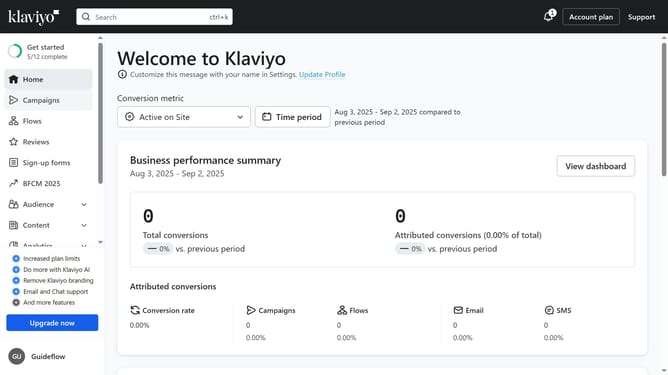
- First click on "Campaigns" in the left sidebar menu
- Next locate the campaign you want to archive from the campaigns list
- Then click on the "More options" menu (three dots) next to it
- Finally click on "Move to archive" option in the dropdown menu
Why should you move a campaign to the archive in Klaviyo
Klaviyo is a powerful marketing automation platform designed to enhance customer engagement through targeted email and SMS campaigns.
Organizing your dashboard is easy when you move a campaign to the archive in Klaviyo. This feature helps maintain a tidy workspace, allowing you to focus on current projects while keeping past campaigns accessible for future reference.
Archiving campaigns can streamline your workflow and improve efficiency, ensuring that you only see what's most relevant to your current marketing needs.
Last update