How to edit a segment name in Klaviyo
Here is how to edit a segment name in klaviyo
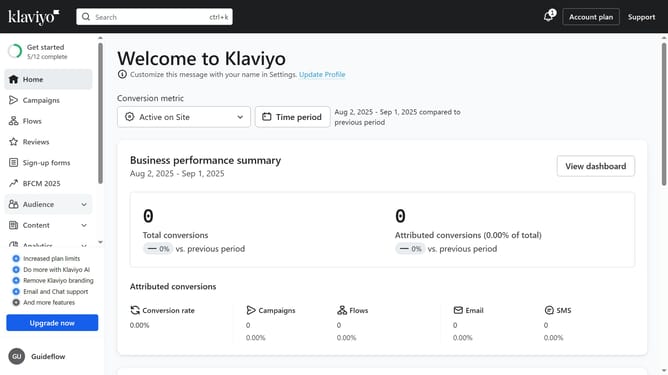
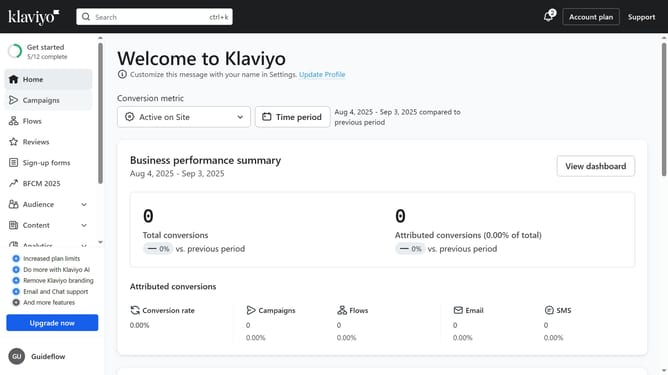
- First click on the "Audience" option in the left sidebar menu
- Next click on the "Lists & segments" submenu item under Audience
- Locate the segment you want to rename from the list
- Then click the options menu (three dots) button next to the segment
- Select "Edit Segment Name" from the dropdown menu
- In the Name field, enter the new name for your segment
- Finally click the "Save name" button to save the changes
Why should you edit a segment name in Klaviyo
Klaviyo is a powerful marketing automation platform designed to enhance e-commerce growth through personalized communication.
One of its key features is the ability to edit a segment name easily, ensuring your customer lists remain organized and accessible. This feature allows businesses to maintain clarity in their data management strategies.
Renaming segments can improve team collaboration by providing clear, relevant labels, ultimately leading to more targeted marketing efforts and increased efficiency in campaign planning.
Last update