How to hide your sign-up form on specific pages in Klaviyo
Here is how to hide your sign-up form on specific pages in klaviyo
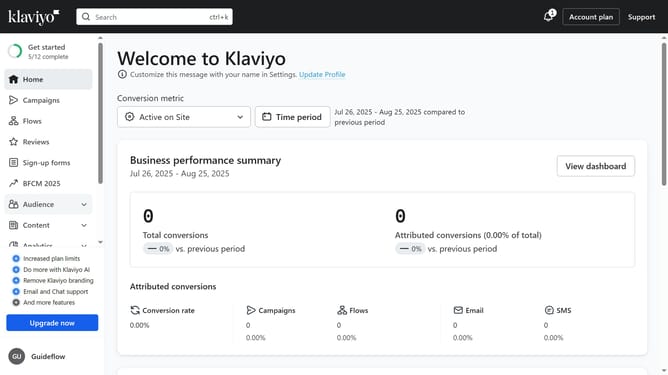
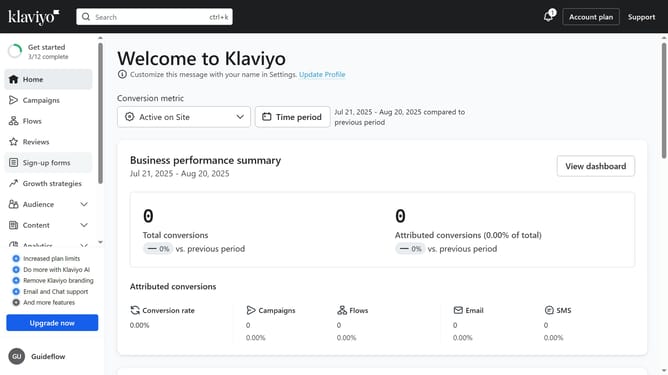
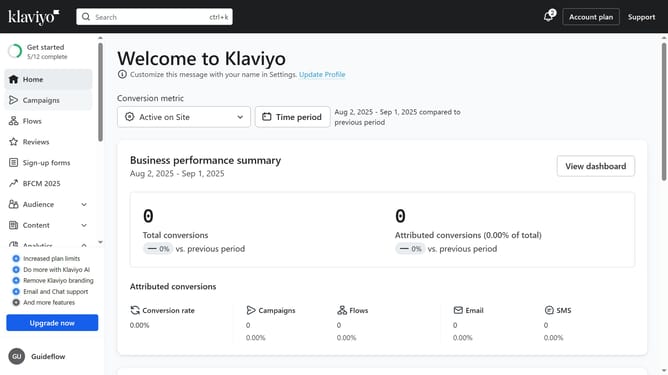
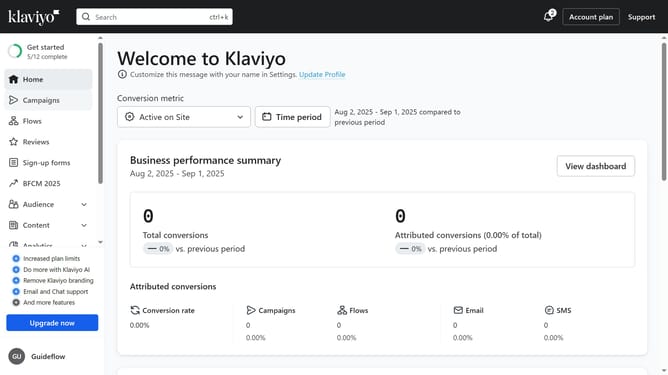
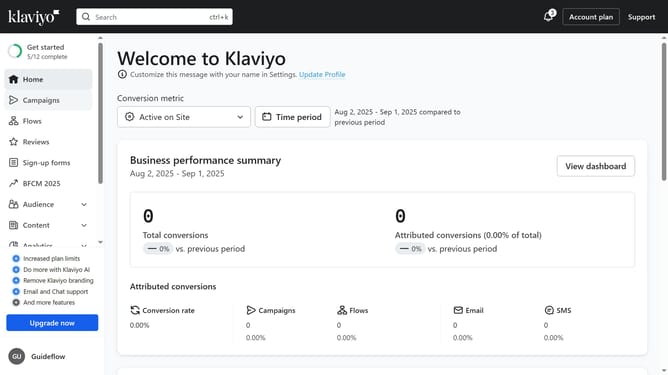
- First click on "Sign-up forms" in the left sidebar menu
- From the forms list, locate the form you want to hide on specific pages
- Next click on the options menu (three dots) next to the form
- Select "Edit" option from the dropdown menu
- Then click on "Targeting and behavior" option in the left settings panel
- Click on "Targeting" tab in the form settings
- In the URLs section, locate the "Don't show on certain URLs" option
- Next enable the toggle switch for that option
- Click on the URL type dropdown and select the "Containing" or "Exactly matching" option
- Then enter the URLs, or URL patterns for the page where you want the form to be hidden
- You can click on "Add URL" button to add another URL
- Finally click on "Publish changes" button to save and apply the setting
- Your form will now be hidden on the specified pages
Why should you hide your sign-up form on specific pages in Klaviyo
Klaviyo is a powerful platform designed to enhance customer engagement through personalized marketing solutions.
One standout feature of Klaviyo is the ability to selectively hide sign-up forms on specific pages, allowing businesses to tailor user experiences more finely.
This feature offers flexibility by permitting different messaging or promotional content without overwhelming visitors with redundant forms.
Harnessing this capability can improve user satisfaction and streamline the journey, ensuring a seamless and relevant experience for each page visitor.
Last update