How to view details of a scheduled campaign in Klaviyo
Here is how to view details of a scheduled campaign in klaviyo
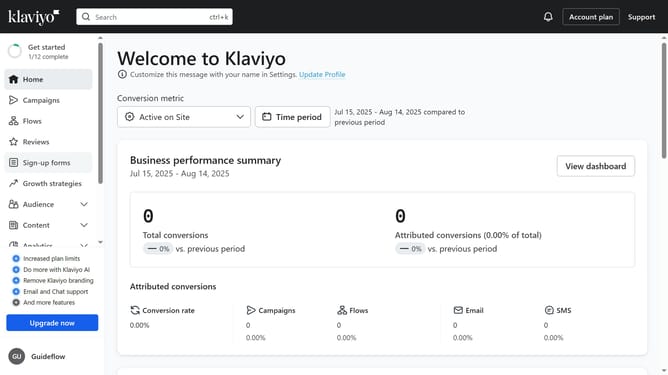
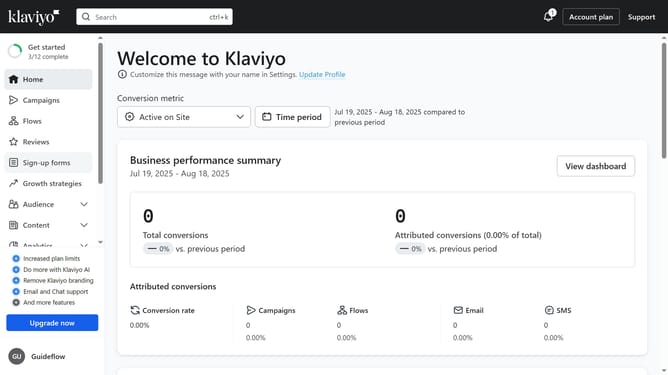
- First click on "Campaigns" in the left sidebar menu
- Locate the scheduled campaign whose details you want to view
- Next click on the options menu (three dots) next to the campaign
- Then select "View details" from the dropdown menu
- Finally, in the campaign review screen, review the campaign details, including sending schedule, the recipients, subject line, and email content
Why should you view details of a scheduled campaign in Klaviyo
Klaviyo is a sophisticated platform designed to enhance customer engagement through effective email marketing automation.
One of Klaviyo’s advantageous features is the ability to view detailed information about your scheduled campaigns. This feature empowers users by providing a comprehensive overview of scheduled communications, ensuring everything is aligned with your marketing strategy.
Accessing these details enables meticulous planning, allowing businesses to refine their campaign strategy efficiently. This foresight facilitates timely adjustments and offers insights beneficial for maximizing engagement and driving results.
Last update