How to delete a segment in Klaviyo
Here is how to delete a segment in klaviyo
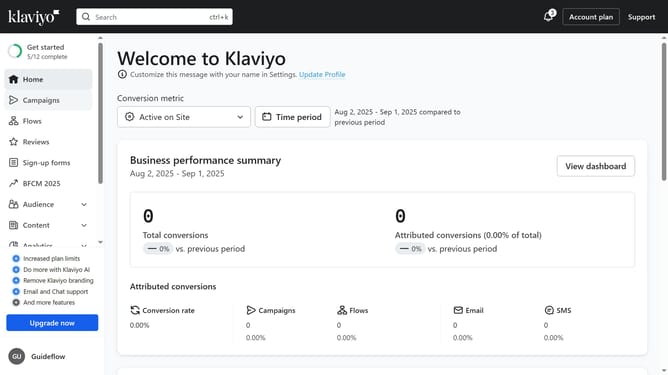
- First click on the "Audience" item in the left sidebar
- Next click on "Lists & segments" option in the Audience submenu
- Locate the segment you want to delete from the list
- Click on the "More options" button (three dots) next to the segment
- Then click on "Delete Segment" option in the dropdown menu
- Finally click on the "Delete" button in the confirmation dialog
Why should you delete a segment in Klaviyo
Klaviyo is a robust email marketing platform designed to empower businesses with personalized communication tools.
One powerful feature in Klaviyo is the ability to delete a segment effortlessly. Maintaining an updated list allows marketers to optimize their campaigns and ensure relevancy. Regularly cleansing unnecessary segments leads to efficient data management.
Using this feature aids in reducing clutter, providing clarity, and enhancing focus on high-potential customer groups, significantly boosting campaign efficiency and impact.
Last update