How to show your sign-up form only on certain pages in Klaviyo
Here is how to show your sign-up form only on certain pages in klaviyo
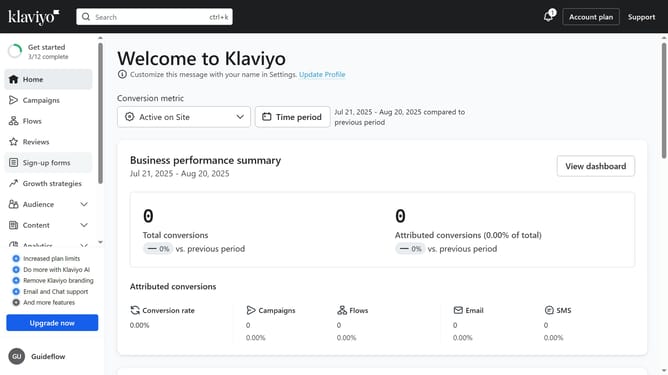
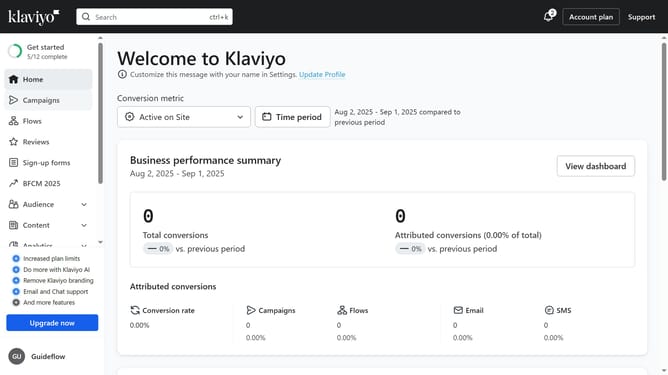
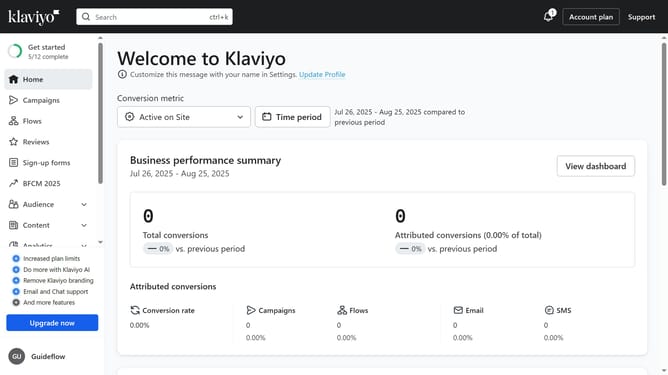
- First click on "Sign-up forms" in the left sidebar menu
- From the forms list, locate the form you want to target to specific pages
- Next click on the menu icon (three dots) next to the form
- Select "Edit" option from the dropdown menu
- Then click on "Targeting and behavior" option in the left sidebar
- Click on "Targeting" tab in the form settings
- In the URLs section, locate the "Only show on certain URLs" option
- Next enable the toggle switch for that option
- Click on the URL condition dropdown and select "Containing" or "Exactly matching" option
- Then enter the URLs, or URL patterns where you want the form to appear
- Finally click on "Publish changes" button to save and apply the setting
- Your sign-up form will now display only on the pages you specified
Why should you show your sign-up form only on certain pages in Klaviyo
Klaviyo is a powerful email marketing platform designed to help businesses connect with customers effortlessly.
One of its standout features is the ability to display your sign-up form only on specific pages of your website. This allows you to strategically engage visitors where it matters most.
Using this feature, you can tailor your marketing efforts, enhancing user experience by ensuring relevant forms appear in the right context.
This targeted approach not only improves conversion rates but also contributes to a more polished site navigation, leaving a positive impression on your audience.
Last update