How to archive a campaign in Klaviyo
Here is how to archive a campaign in klaviyo
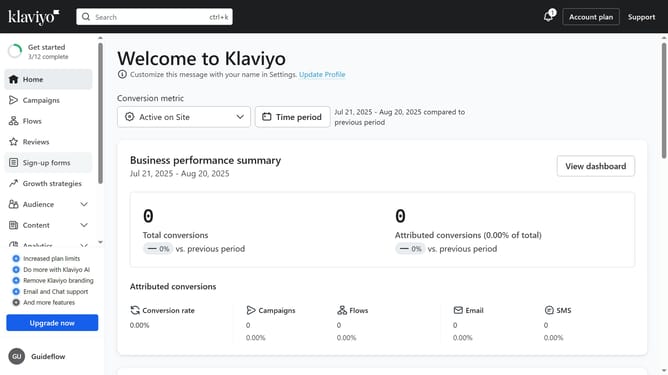
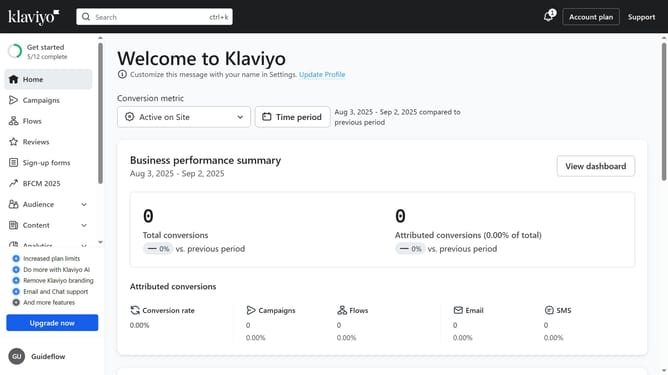
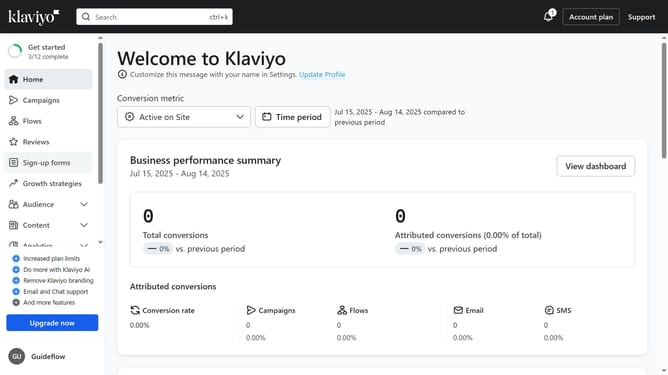
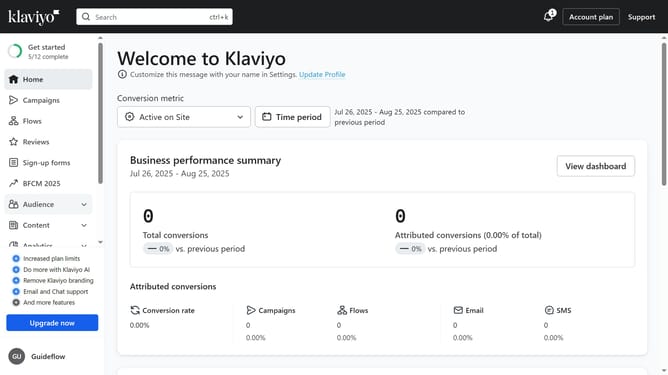
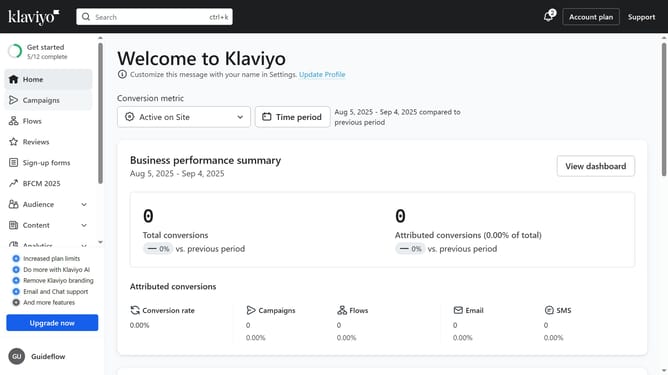
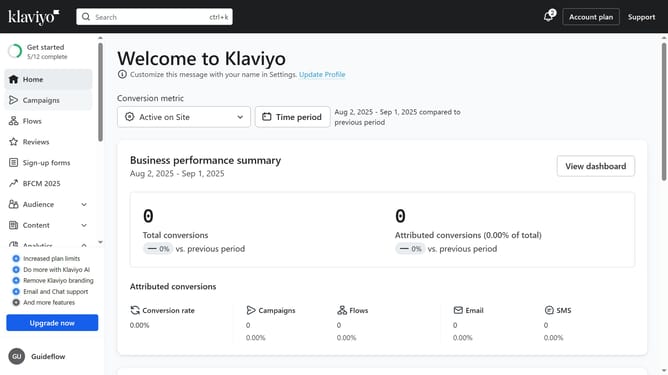
- First click on "Campaigns" in the left sidebar menu
- Next locate the campaign you want to archive from the campaigns list
- Then click on the "More options" menu (three dots) next to it
- Finally click on "Move to archive" option in the dropdown menu
Why should you archive a campaign in Klaviyo
Klaviyo is a powerful platform designed to enhance your email marketing and boost customer engagement.
Archiving a campaign in Klaviyo helps maintain a clean and organized campaign list. This feature allows you to focus on active campaigns while still preserving your past efforts for future reference or inspiration.
Utilizing the archive function streamlines workflow, saves time, and ensures efficient campaign management. With Klaviyo, keeping your marketing efforts tidy and accessible has never been more effortless.
Last update