How to publish your sign-up form in Klaviyo
Here is how to publish your sign-up form in klaviyo
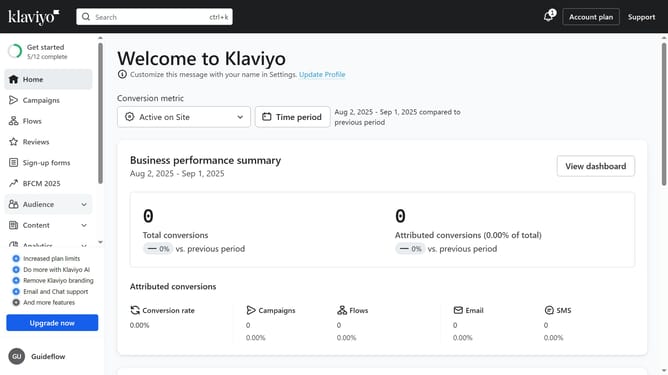
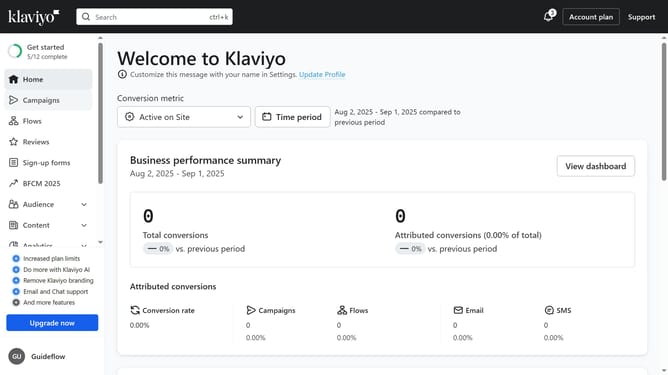
- First click on "Sign-up forms" in the left sidebar menu
- Locate the form you want to publish in the forms list
- Next click the menu icon (three dots) next to the form
- Select "Edit" option from the dropdown menu
- Then click on the "Publish" button in the form editor
- Alternatively, click on the status dropdown
- Finally click on the "LIVE" option in the status dropdown menu
- Your sign-up form is now published and will appear live on your website
Why should you publish your sign-up form in Klaviyo
Klaviyo is a powerful platform designed to enhance e-commerce marketing through targeted and data-driven strategies.
Publishing your sign-up form in Klaviyo is simple and efficient, allowing you to seamlessly grow your email list and connect with your audience.
This feature enables businesses to collect valuable subscriber data, fueling personalized marketing efforts and fostering stronger customer relationships.
Embracing this tool can significantly boost engagement and drive sales through tailored and timely communication.
Last update