How to unarchive a campaign in Klaviyo
Here is how to unarchive a campaign in klaviyo
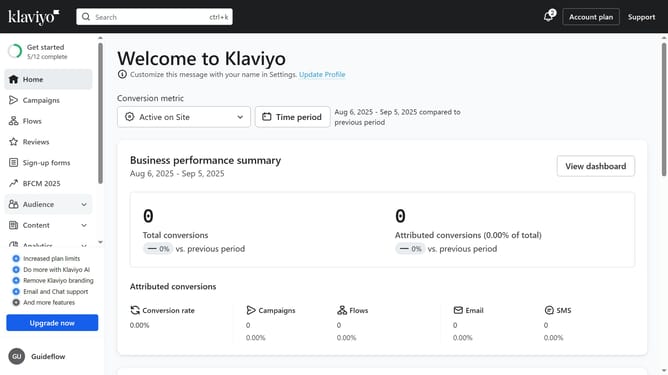
- First click on "Campaigns" in the left sidebar menu
- Next click on the "Archived" filter button in the top filter bar
- Locate the campaign you want to restore from the list of archived campaigns
- Then click on the menu button (three dots) next to it
- Finally click on the "Unarchive" option in the dropdown menu
Why should you unarchive a campaign in Klaviyo
Klaviyo is a powerful email and SMS marketing platform designed to help businesses drive growth through personalized communication.
Unarchiving a campaign in Klaviyo allows you to effortlessly bring back previously hidden campaigns into active view, providing flexibility in campaign management.
This feature empowers marketers to revive and refine past strategies, leveraging historical data to enhance future marketing efforts. Unarchiving helps businesses keep campaigns relevant and aligned with current branding and messaging objectives.
Last update