How to view the scopes assigned to an API key in Klaviyo
Here is how to view the scopes assigned to an api key in klaviyo
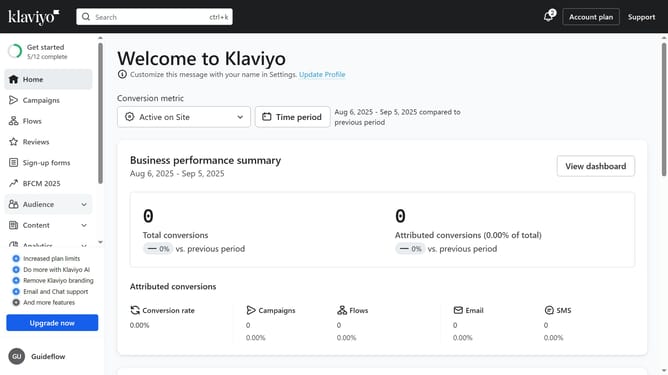
- First, click on your account name in the lower-left corner
- Next click on the "Settings" option in the dropdown menu
- Click on the "Account" tab in the settings navigation menu
- Select "API keys" from the left settings menu
- Then on the API Keys page, you will see your existing keys listed (Public API Key and Private API Keys)
- In the Private API Keys section, navigate to the "Used" or "Unused" tab
- Next locate the API key you want to view the details
- Then click the "Show details" button to expand the API key information
- You will now see the scopes/permissions assigned to this API key (Campaigns, Profiles, Lists, Events, etc)
Why should you view the scopes assigned to an API key in Klaviyo
Klaviyo is a powerful platform focused on enhancing personalized email marketing strategies.
Viewing the scopes assigned to an API key in Klaviyo is a critical feature that empowers users to oversee permissions effortlessly.
This feature ensures that you can manage data access securely, ensuring that only the necessary information is available to the right channels.
By understanding API key scopes, businesses can tailor their integrations more effectively and maintain robust security protocols, optimizing their marketing efforts.
Last update