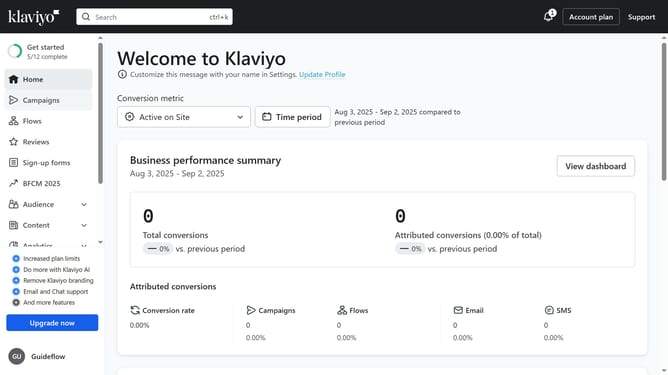
How to change your organization language setting in Klaviyo
Here is how to change your organization language setting in klaviyo
- First click on your account name in the lower-left corner
- Next click on "Settings" in the profile dropdown menu
- Click on the "Organization" tab in the settings menu
- Then scroll down to the "Organization language and regional format" section
- Click on the language dropdown menu to open language options
- Next select your preferred language from the language dropdown list
- Finally click the "Save" button in the top-right corner to apply the changes
Why should you change your organization language setting in Klaviyo
Klaviyo is a robust platform designed for businesses to enhance their marketing communication and reach.
Changing your organization’s language setting in Klaviyo allows teams to work in their preferred language, fostering a more efficient and cohesive environment.
This feature provides more accessibility, ensuring that all team members can comfortably navigate and contribute, removing language barriers that can hinder productivity and understanding.
Harnessing this capability ensures global teams are aligned, maximizing the platform’s functionality and enhancing overall workflow.
Last update