How to schedule a sign-up form in Klaviyo
Here is how to schedule a sign-up form in klaviyo
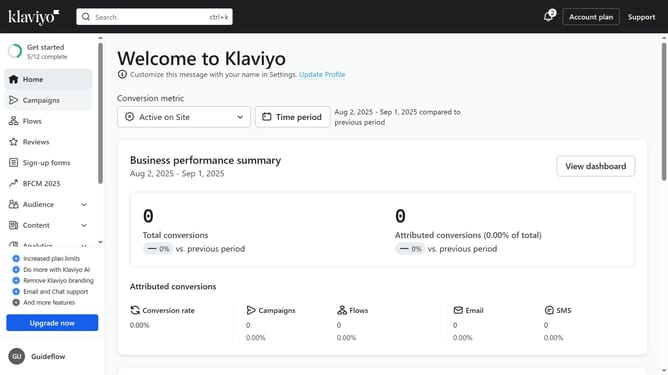
- First click on "Sign-up forms" in the left sidebar menu
- Locate the form you want to schedule in the forms list
- Next click the actions menu (three dots) button next to it
- Select "Schedule" option from the dropdown menu
- In the schedule form modal, select a start date and time for when your form will start or stop showing on your site
- Next set your desired timezone
- Then select an end date and time if you want the form to automatically stop displaying
- Finally click the "Schedule" button to save this schedule plan
Why should you schedule a sign-up form in Klaviyo
Klaviyo is a powerful marketing platform designed to help businesses connect with their customers through personalized communication.
One standout feature of Klaviyo is the ability to schedule sign-up forms, offering businesses flexibility in their marketing strategies. By scheduling sign-up forms, businesses can time their audience engagement perfectly, ensuring maximum visibility and impact.
This feature allows users to align sign-up forms with specific marketing campaigns or promotions, increasing the likelihood of capturing leads at the most opportune moments.
Overall, scheduling sign-up forms in Klaviyo streamlines the process of audience growth, providing businesses with a strategic edge in their marketing efforts.
Last update